🔥
Fire TV Stick Setup Guide
⚠️ If you already have TiviMate installed, please uninstall it first — otherwise V12Mate will not install correctly.
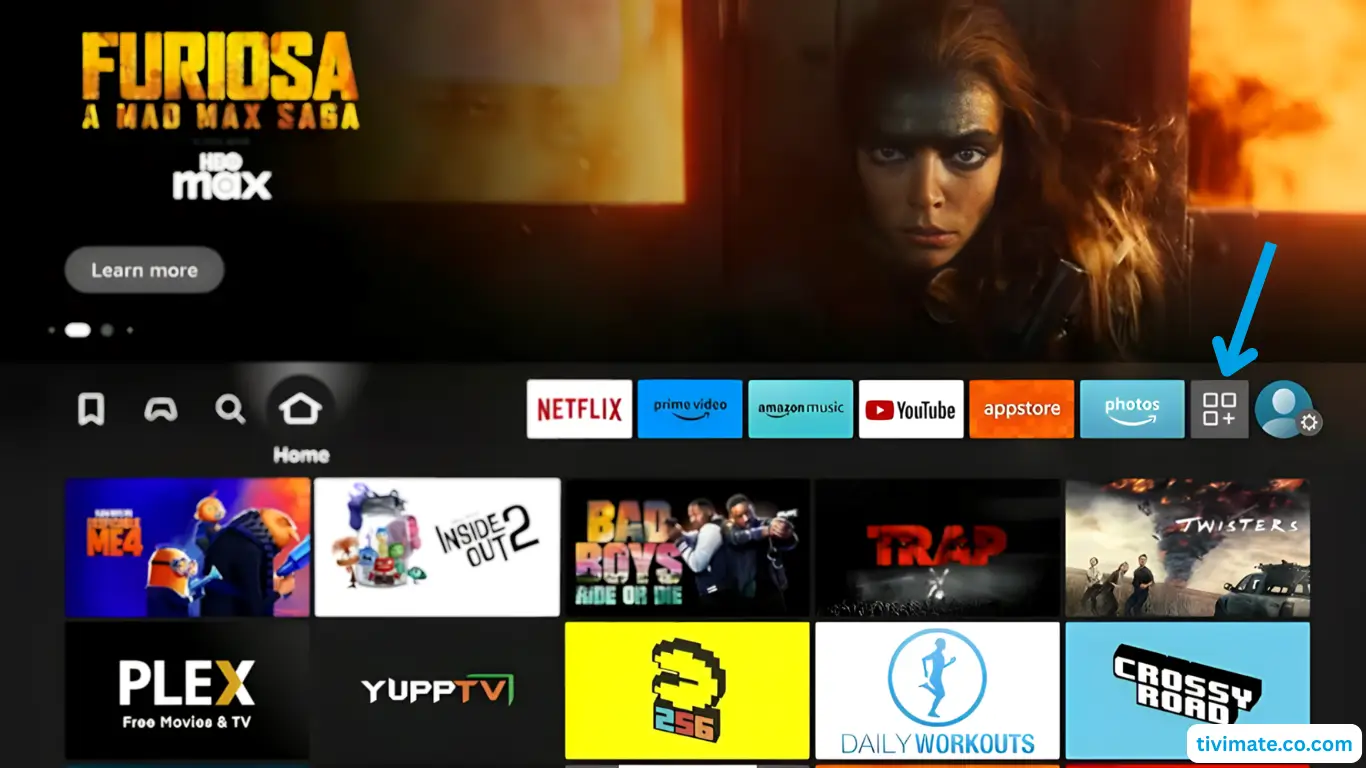
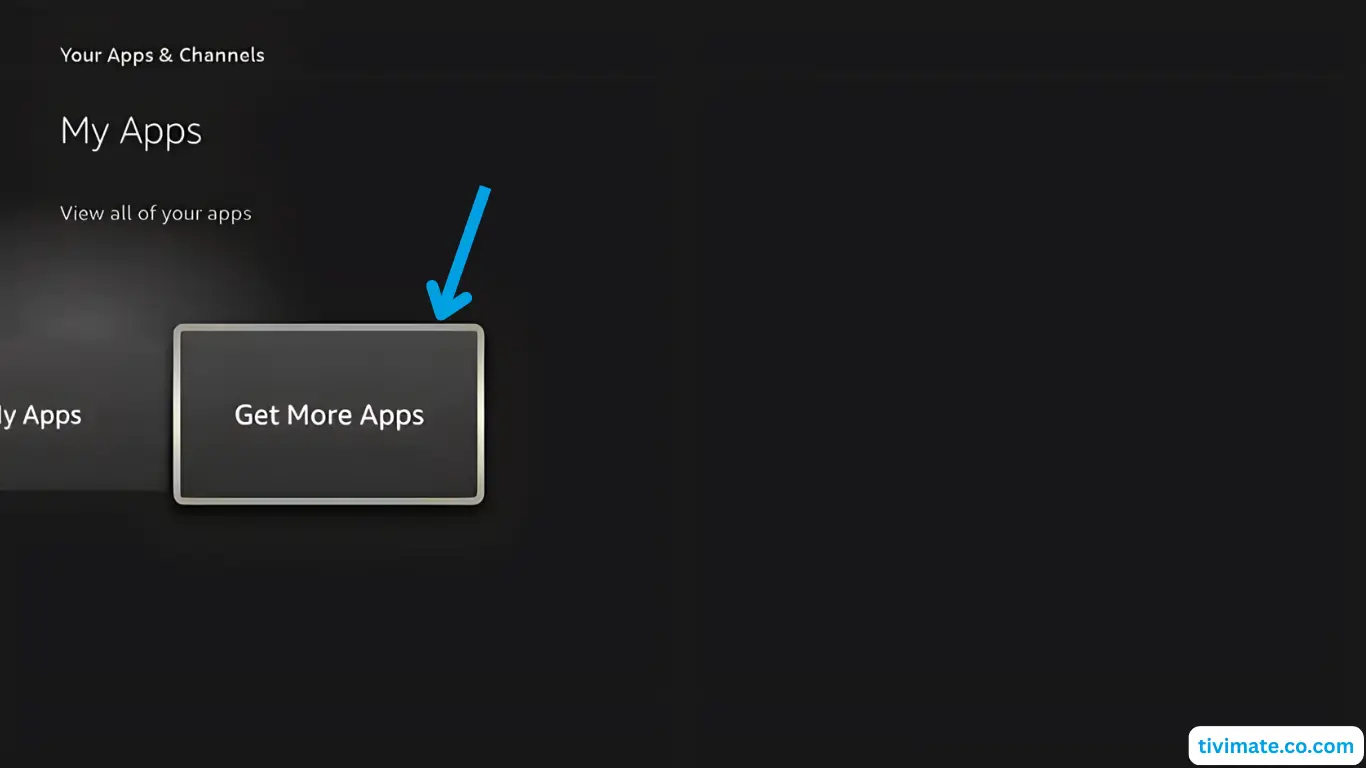
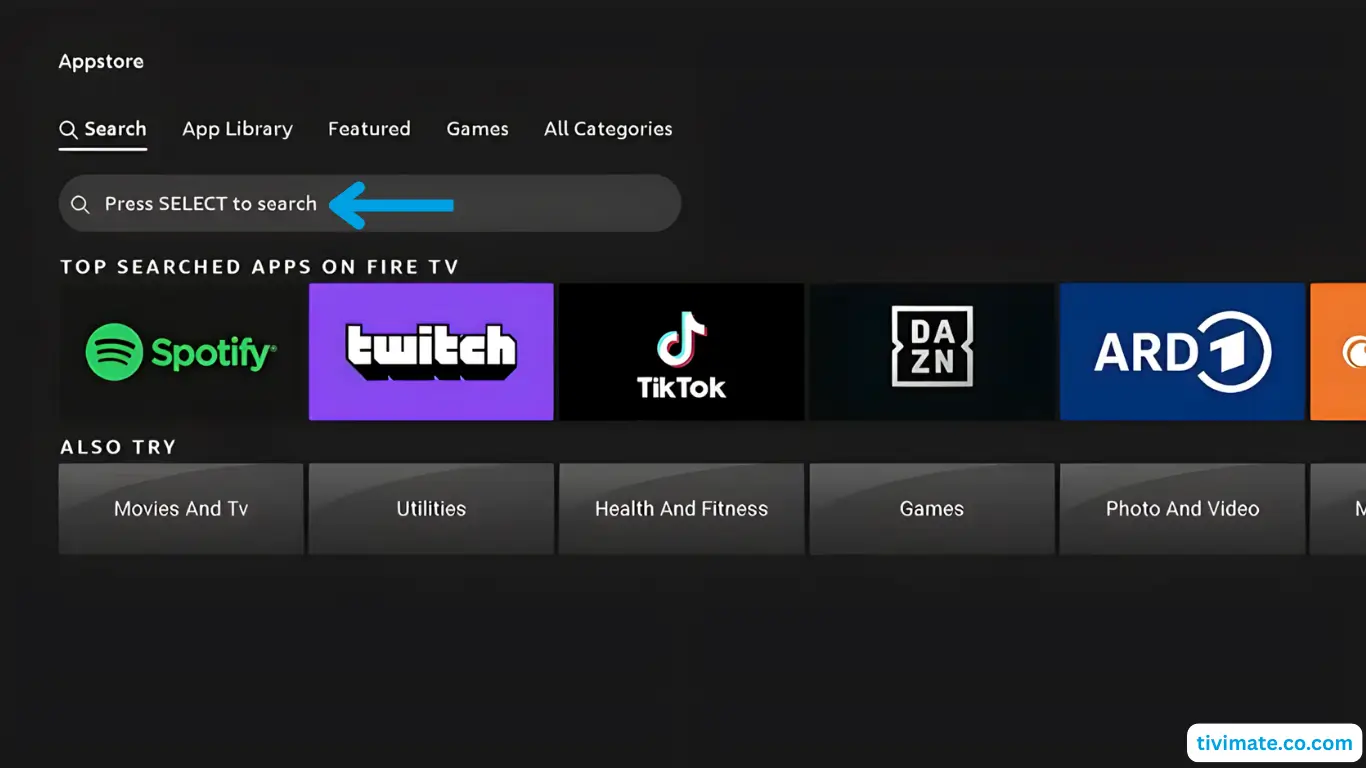
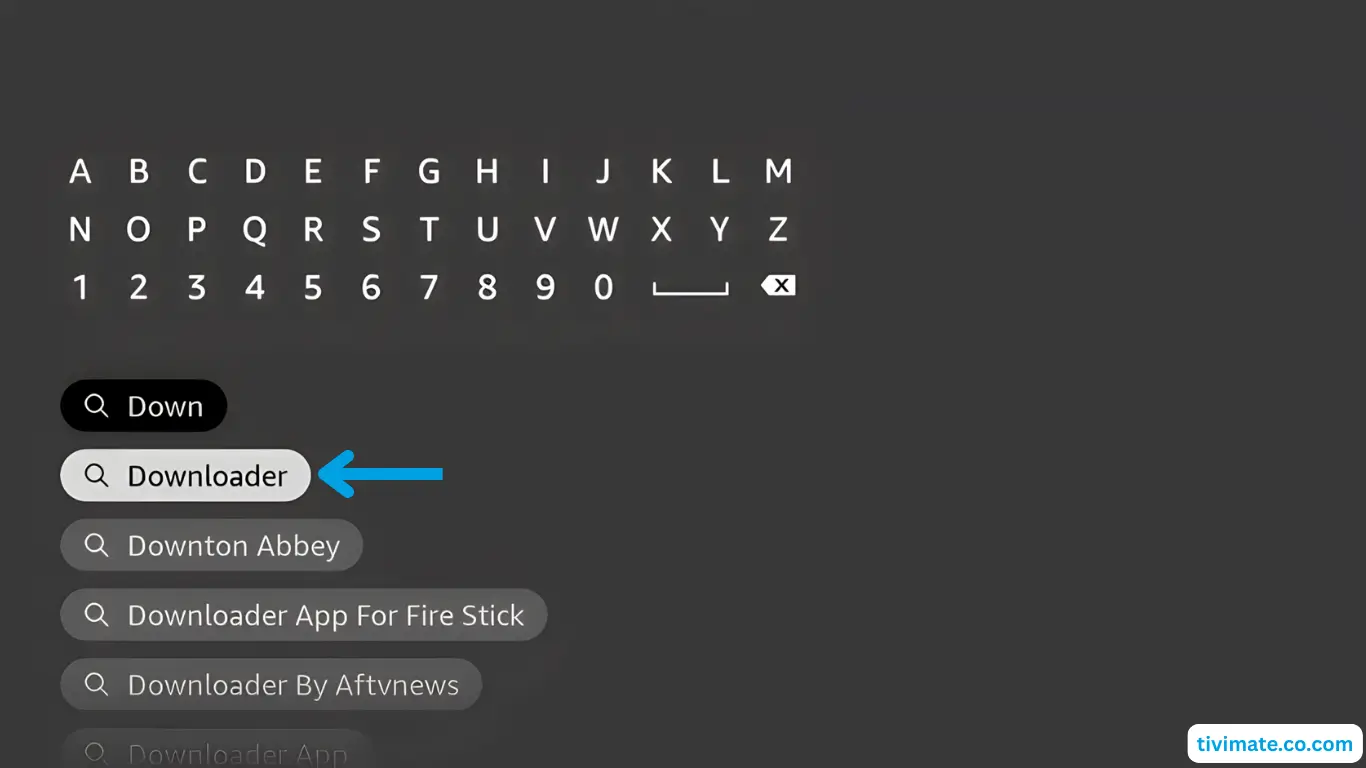
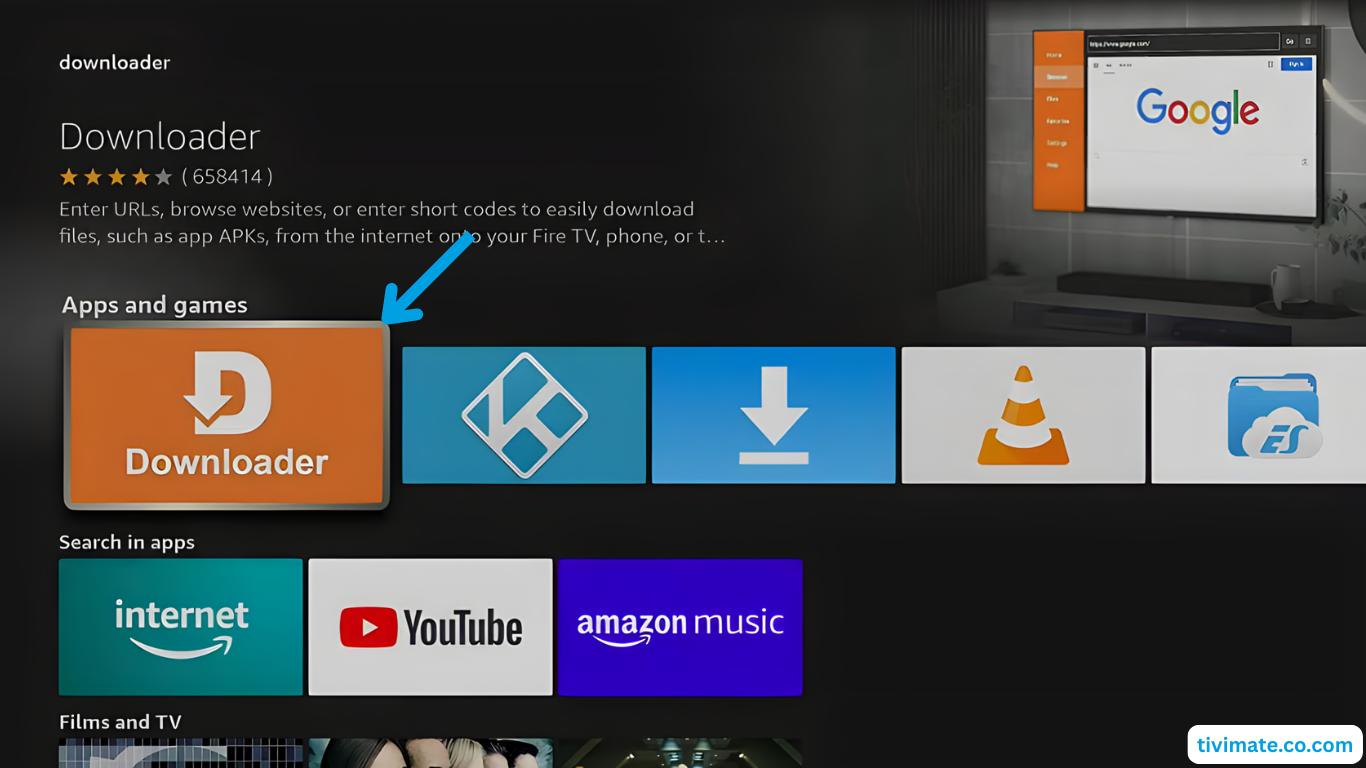
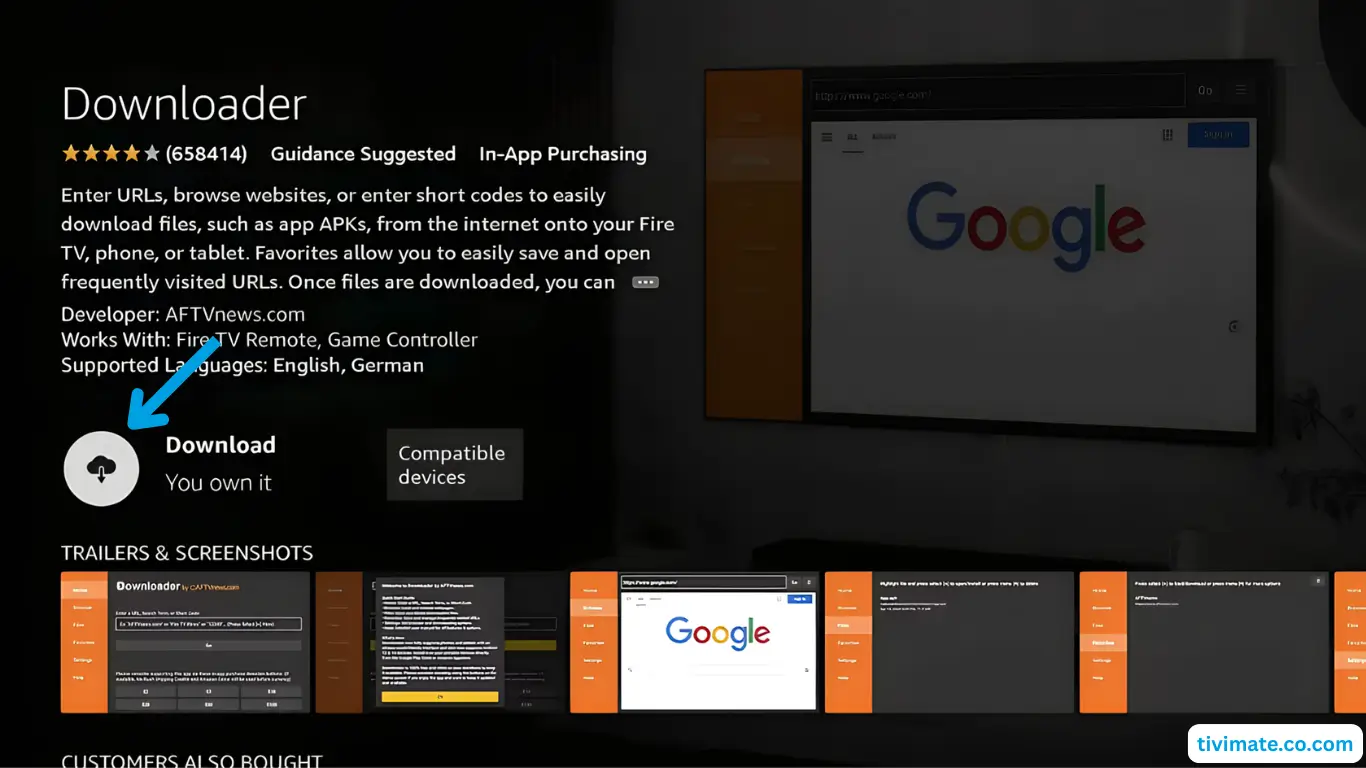
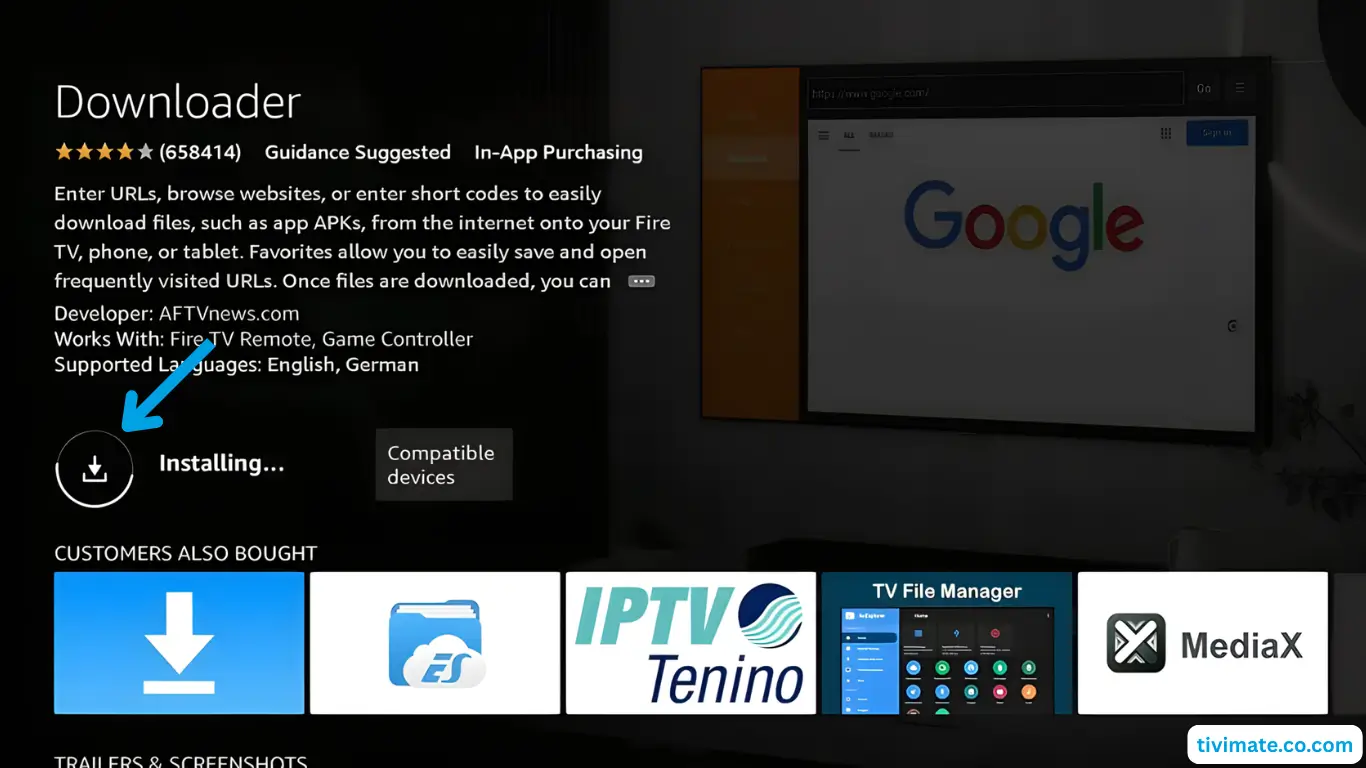
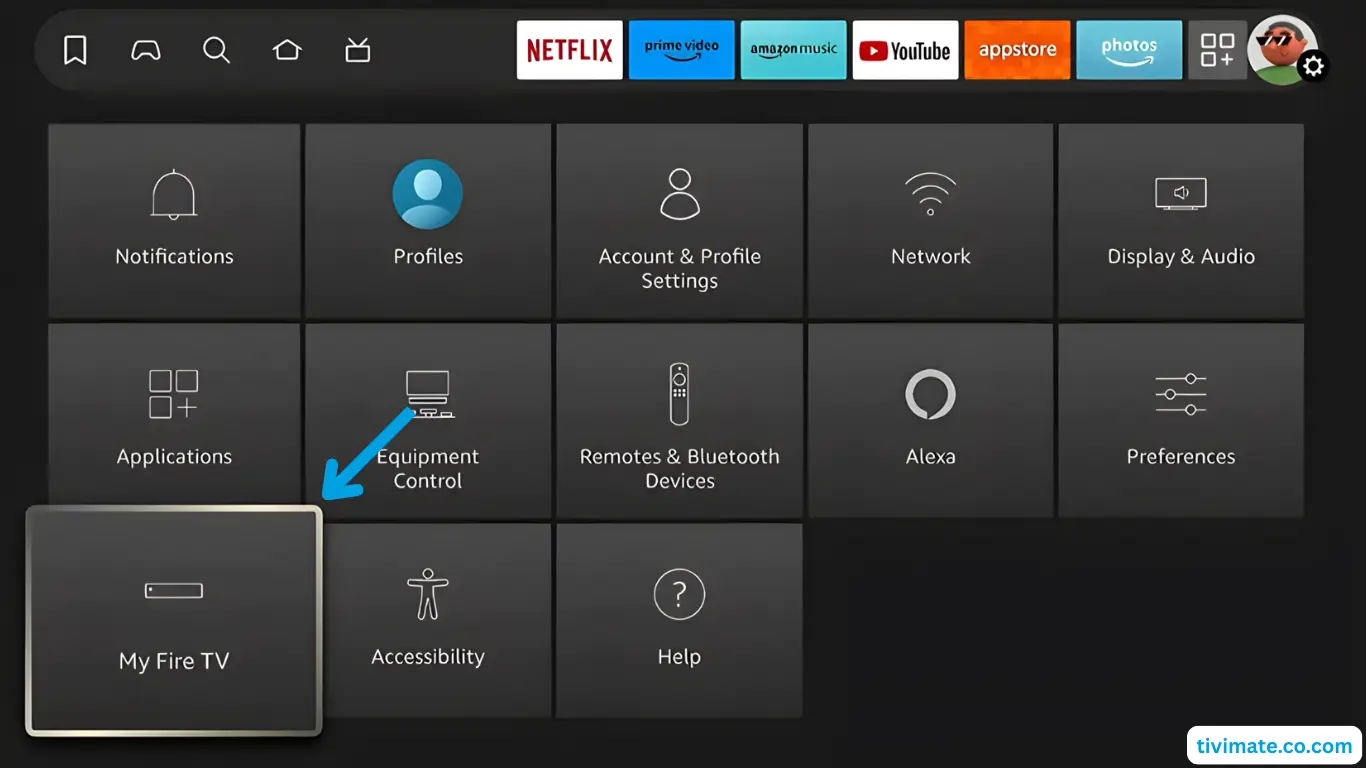
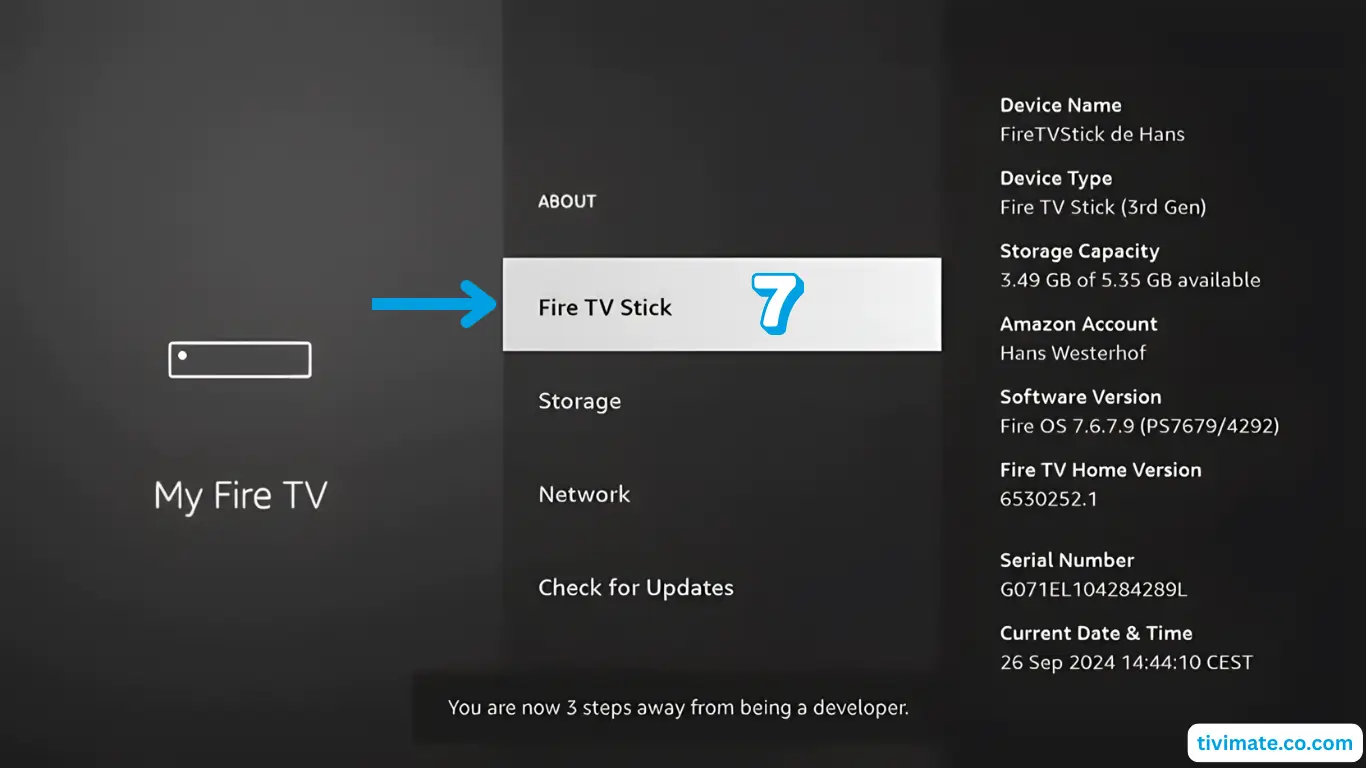
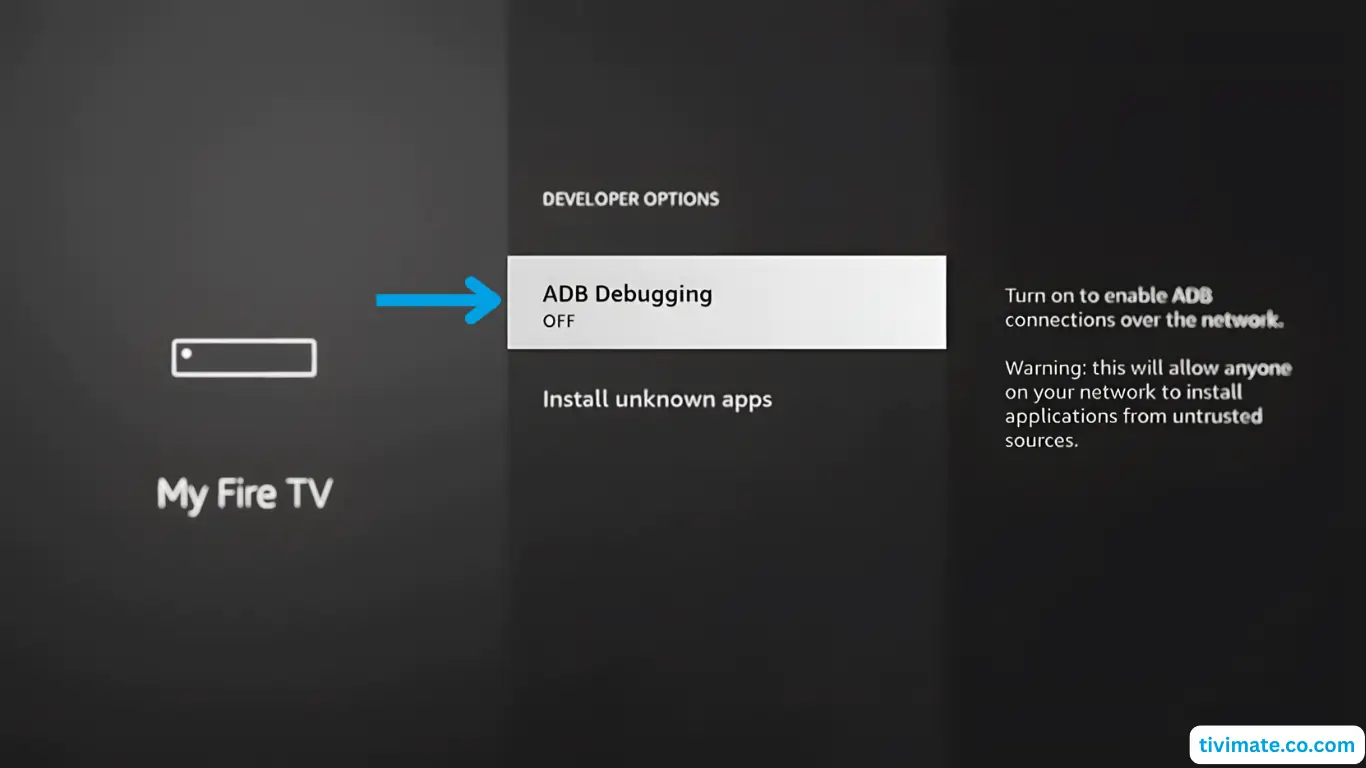
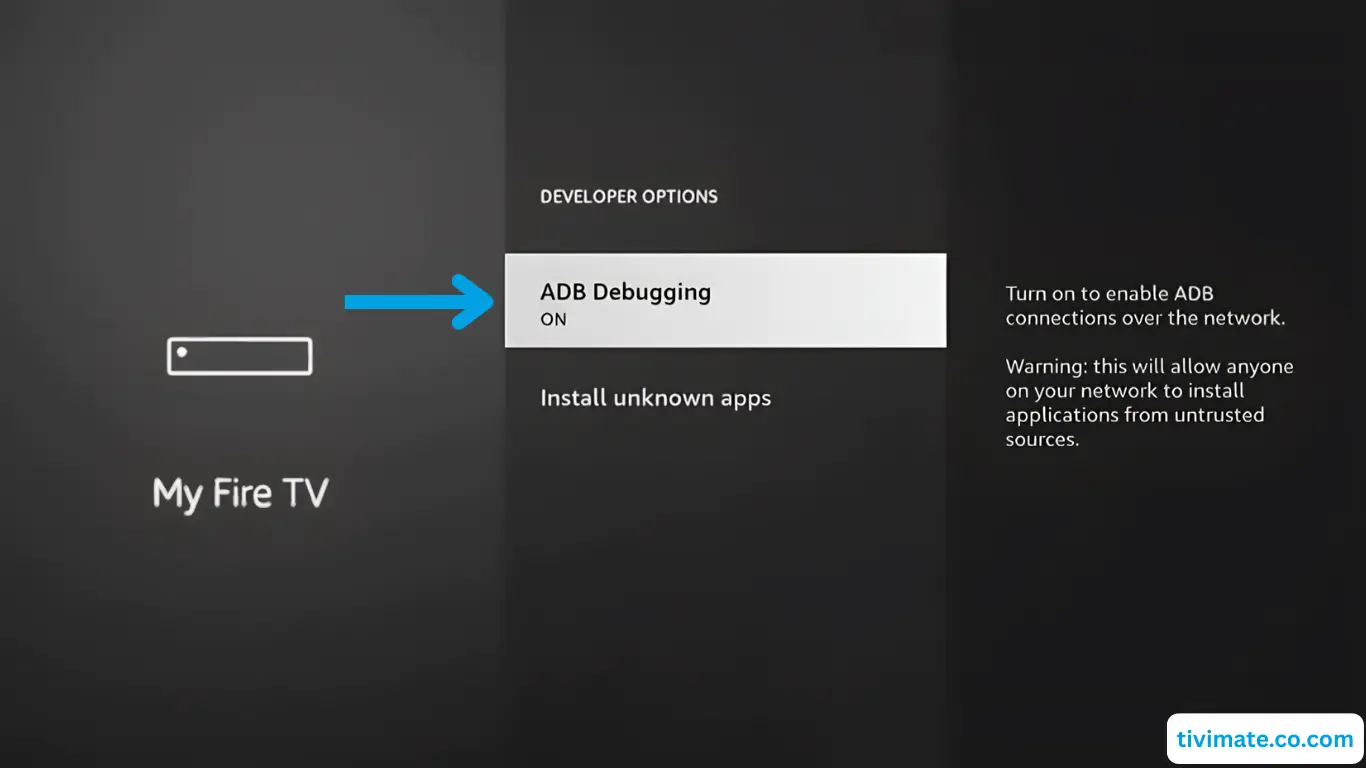
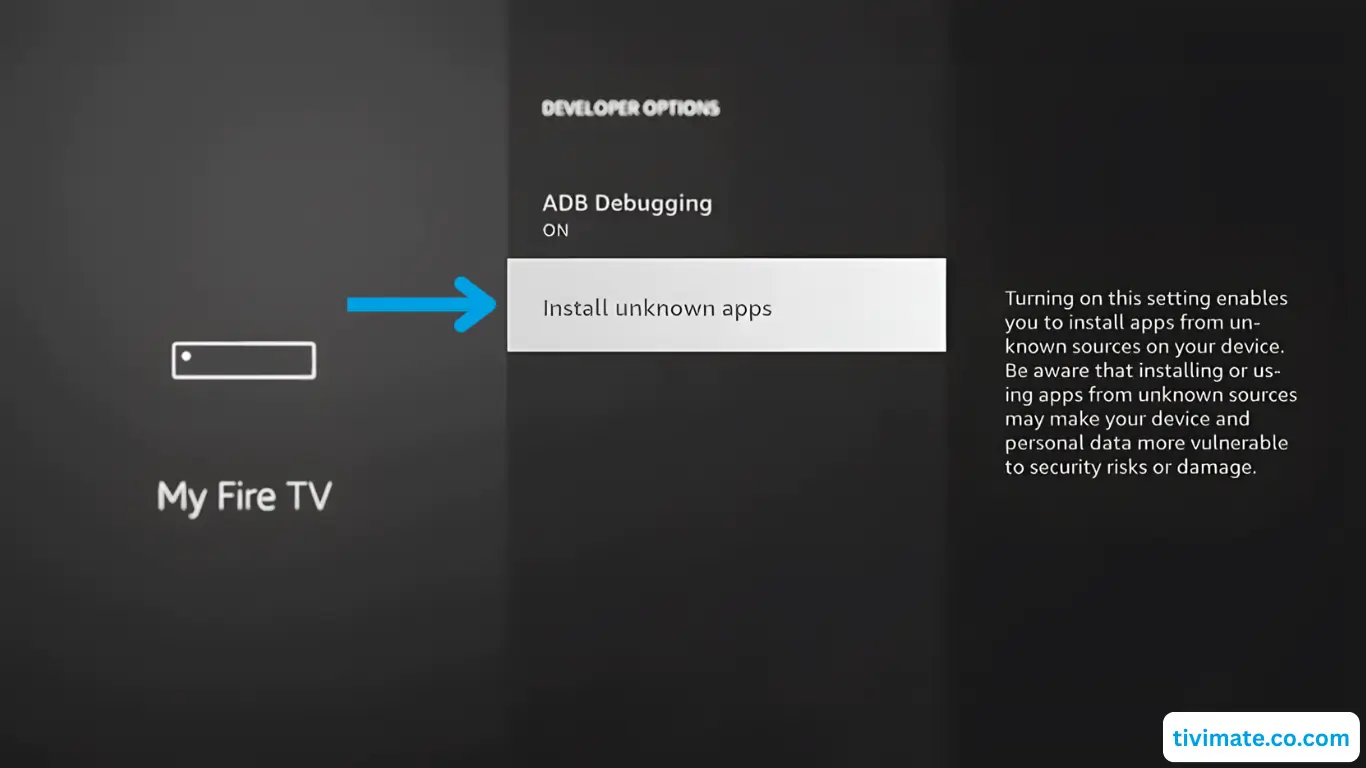
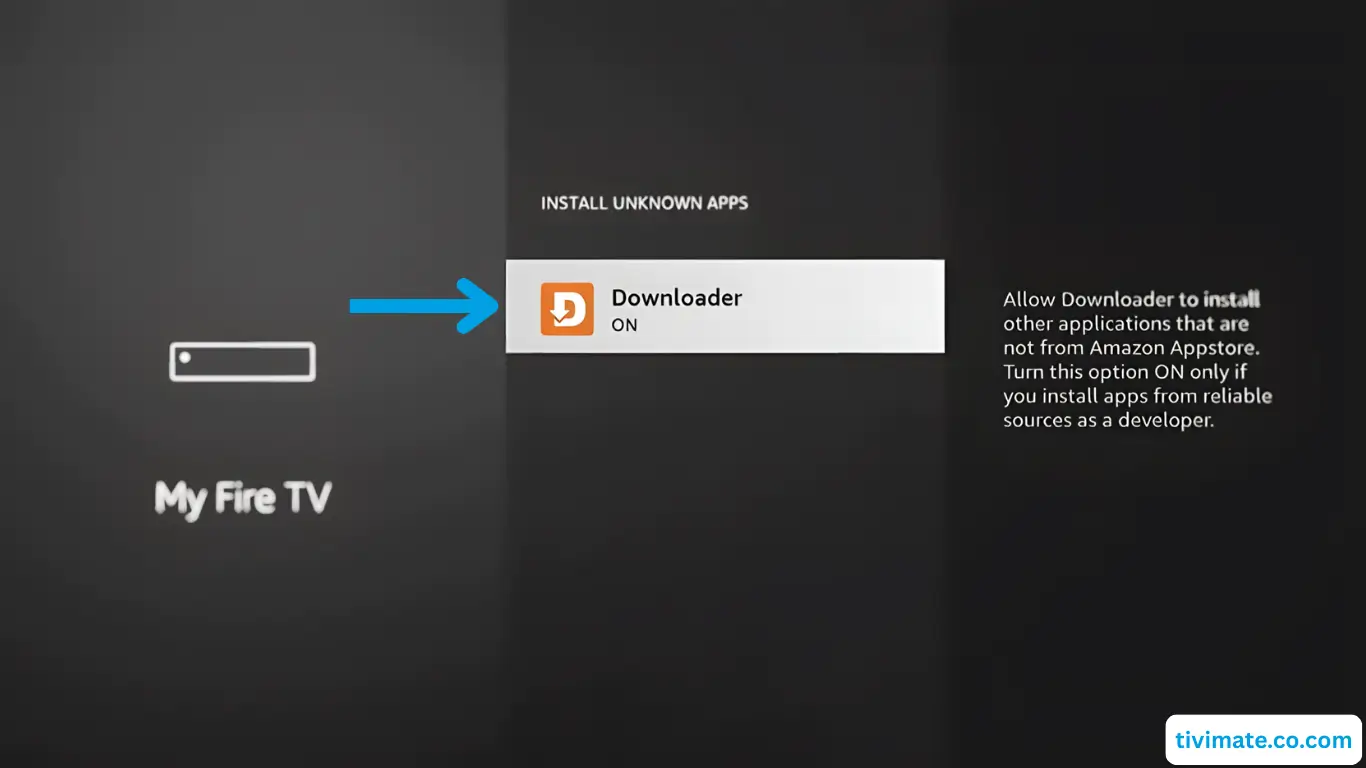
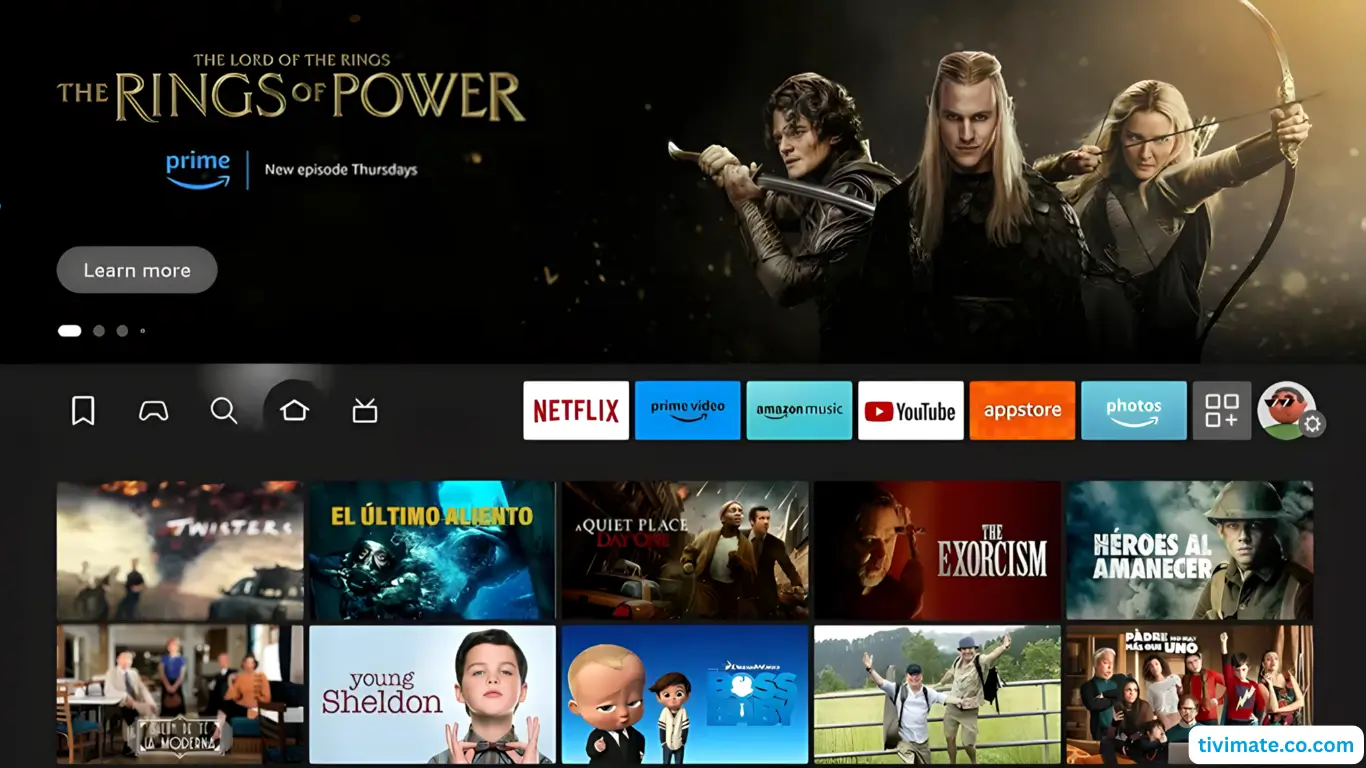
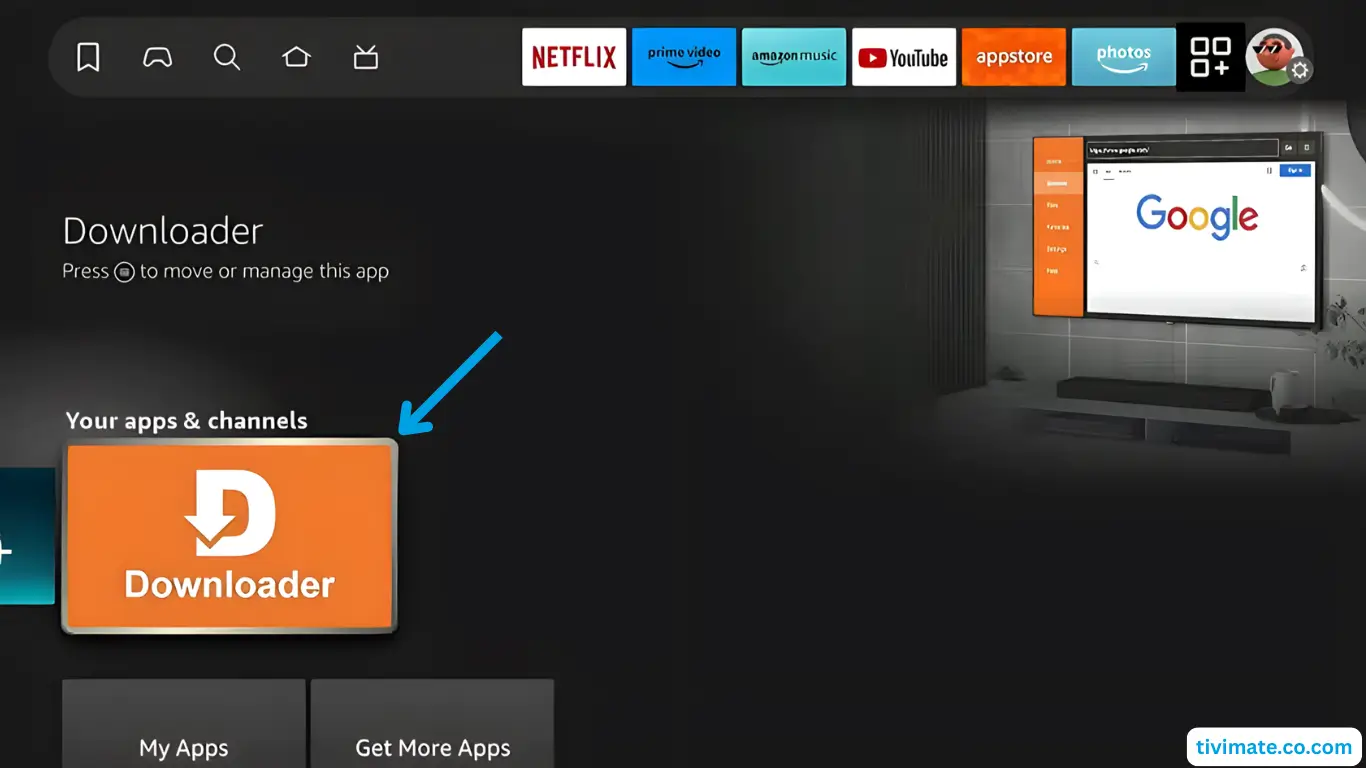
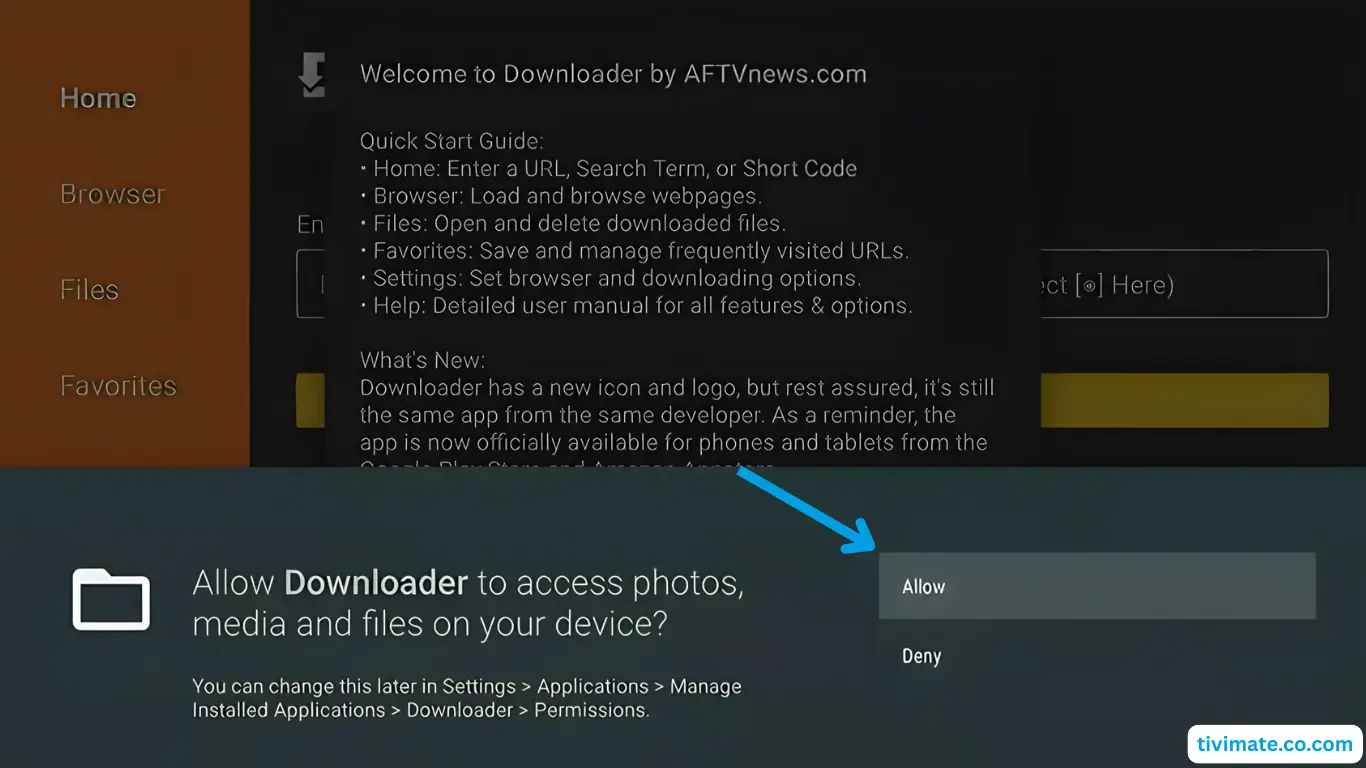
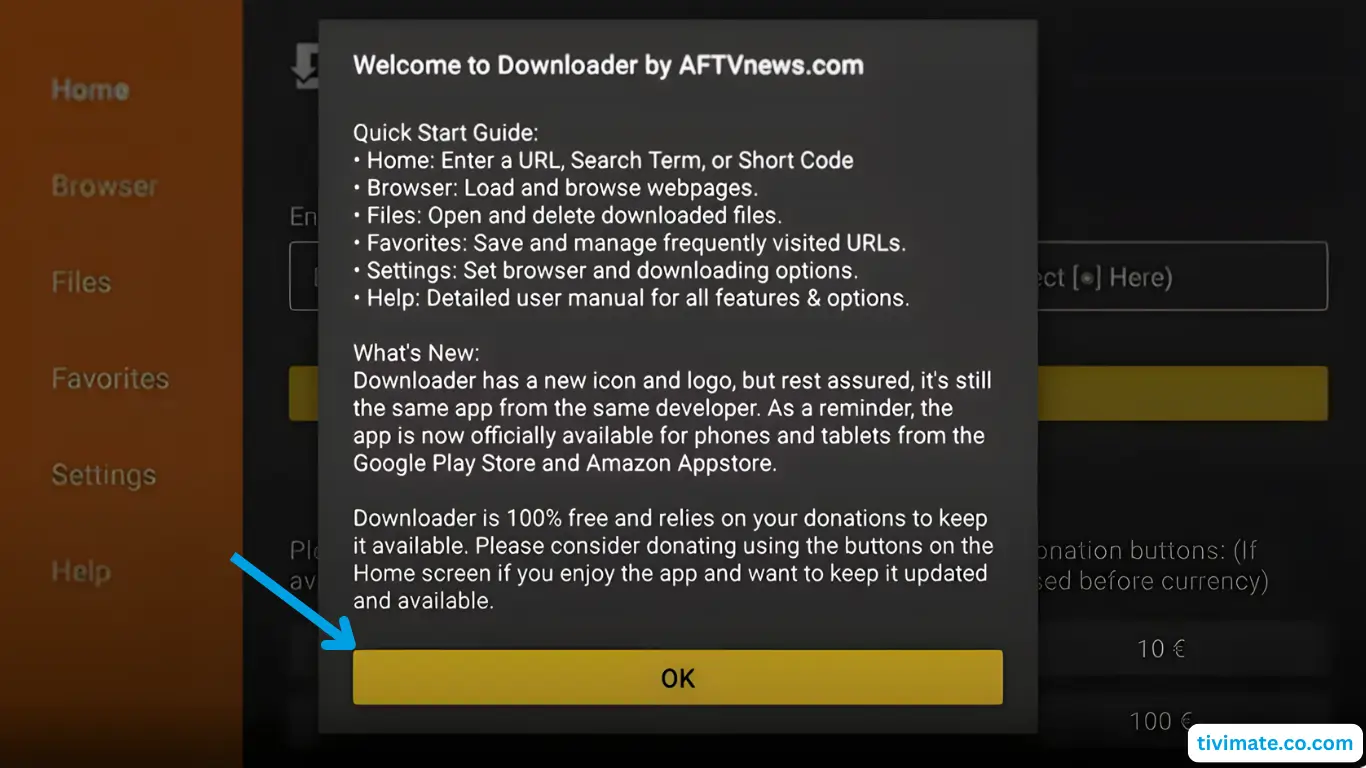
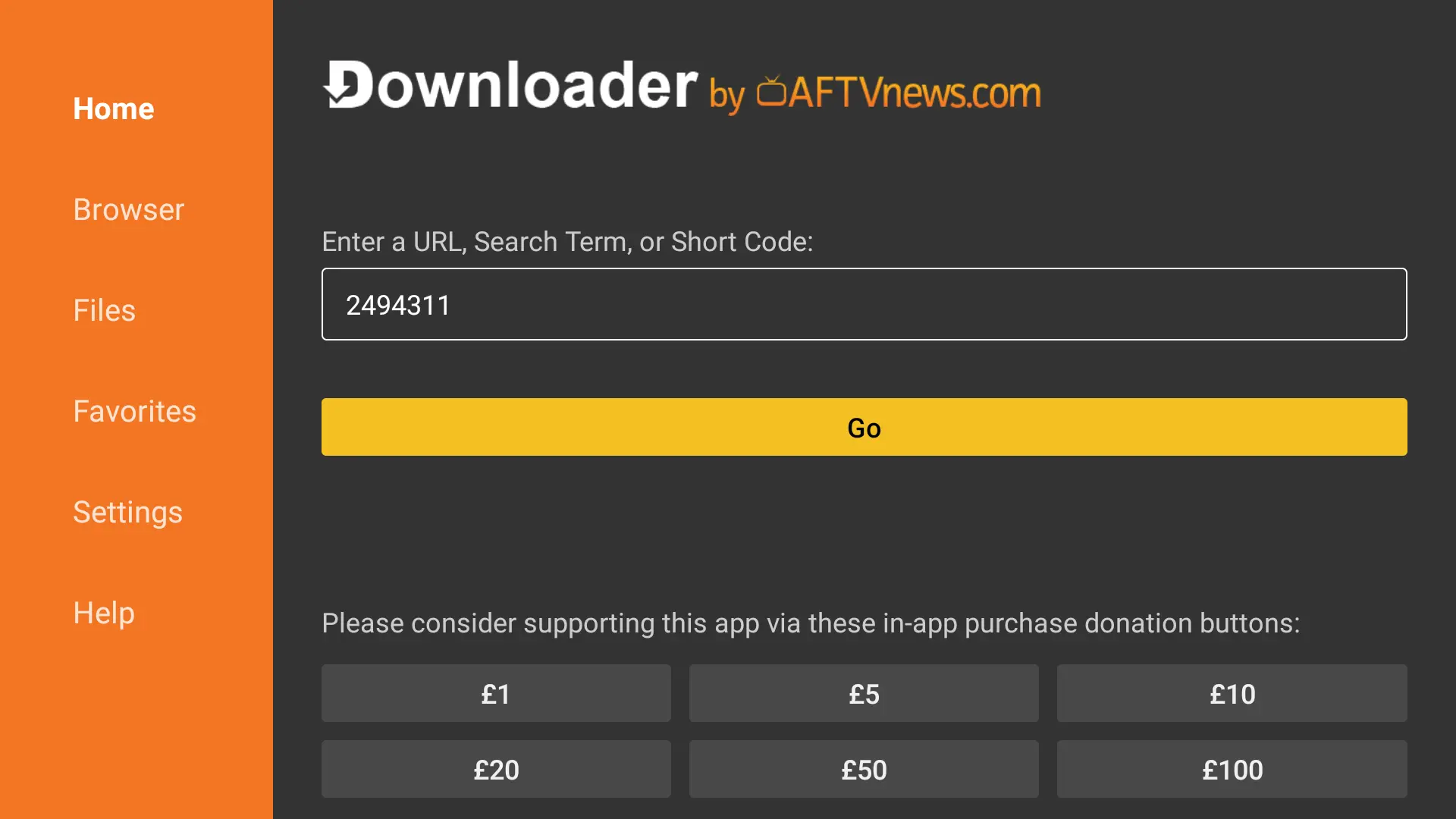
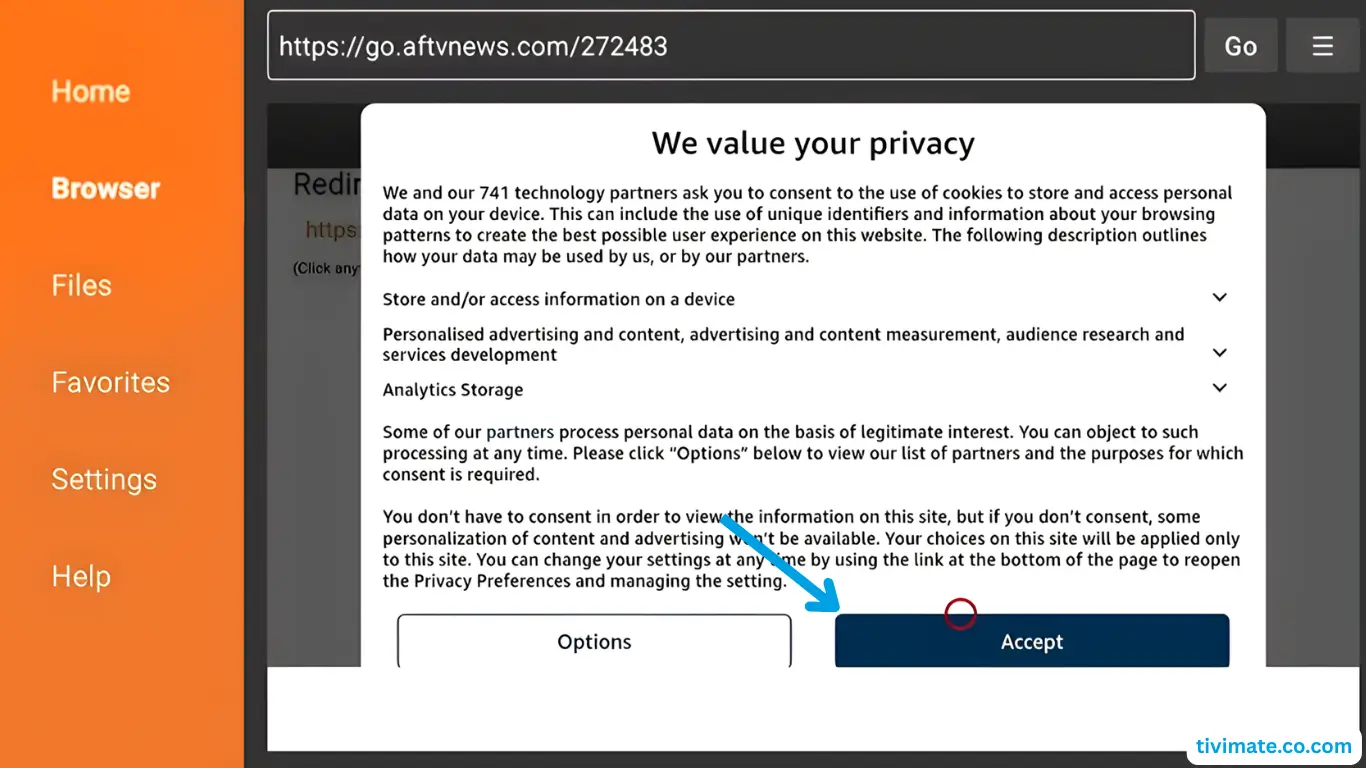
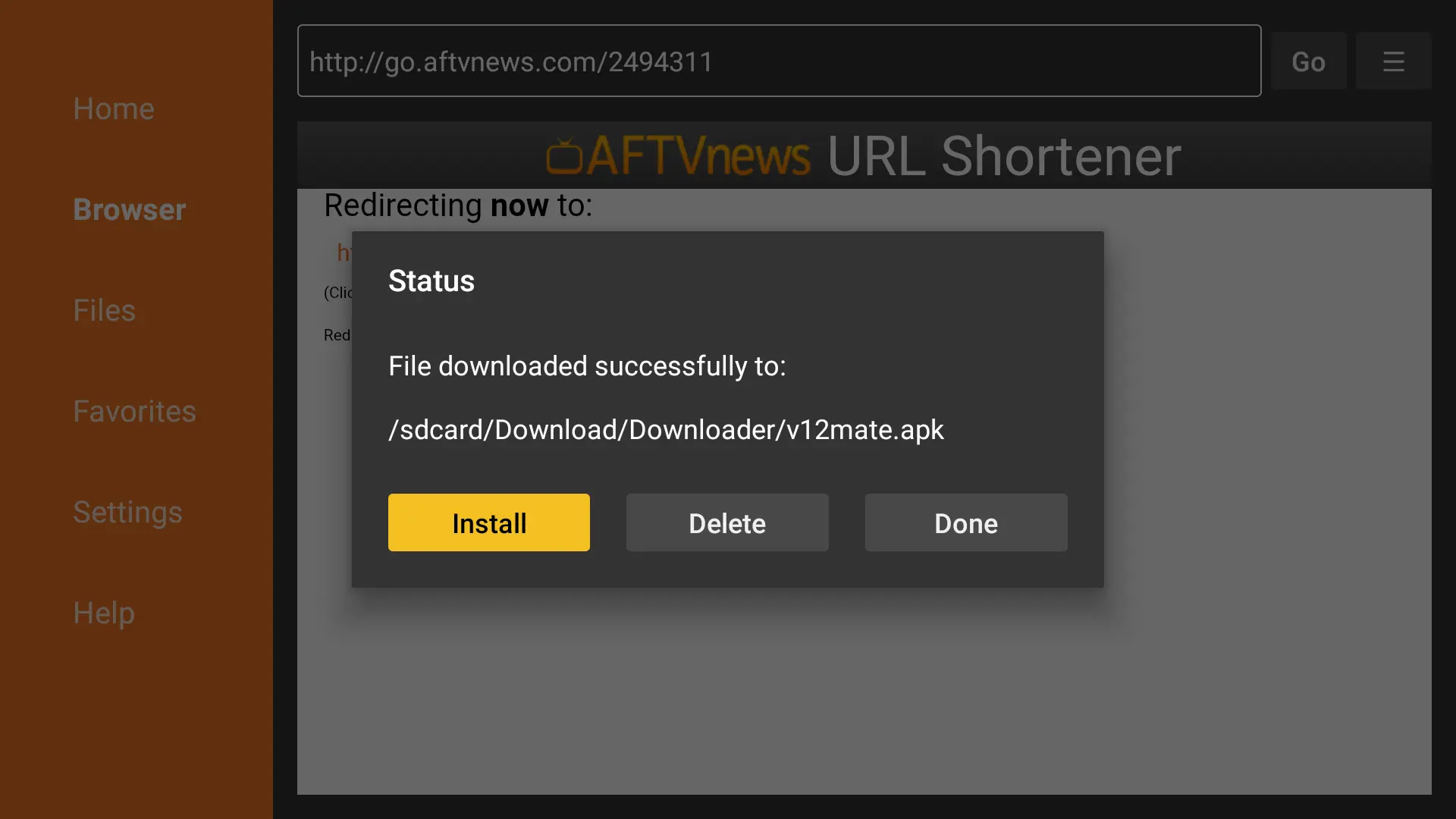
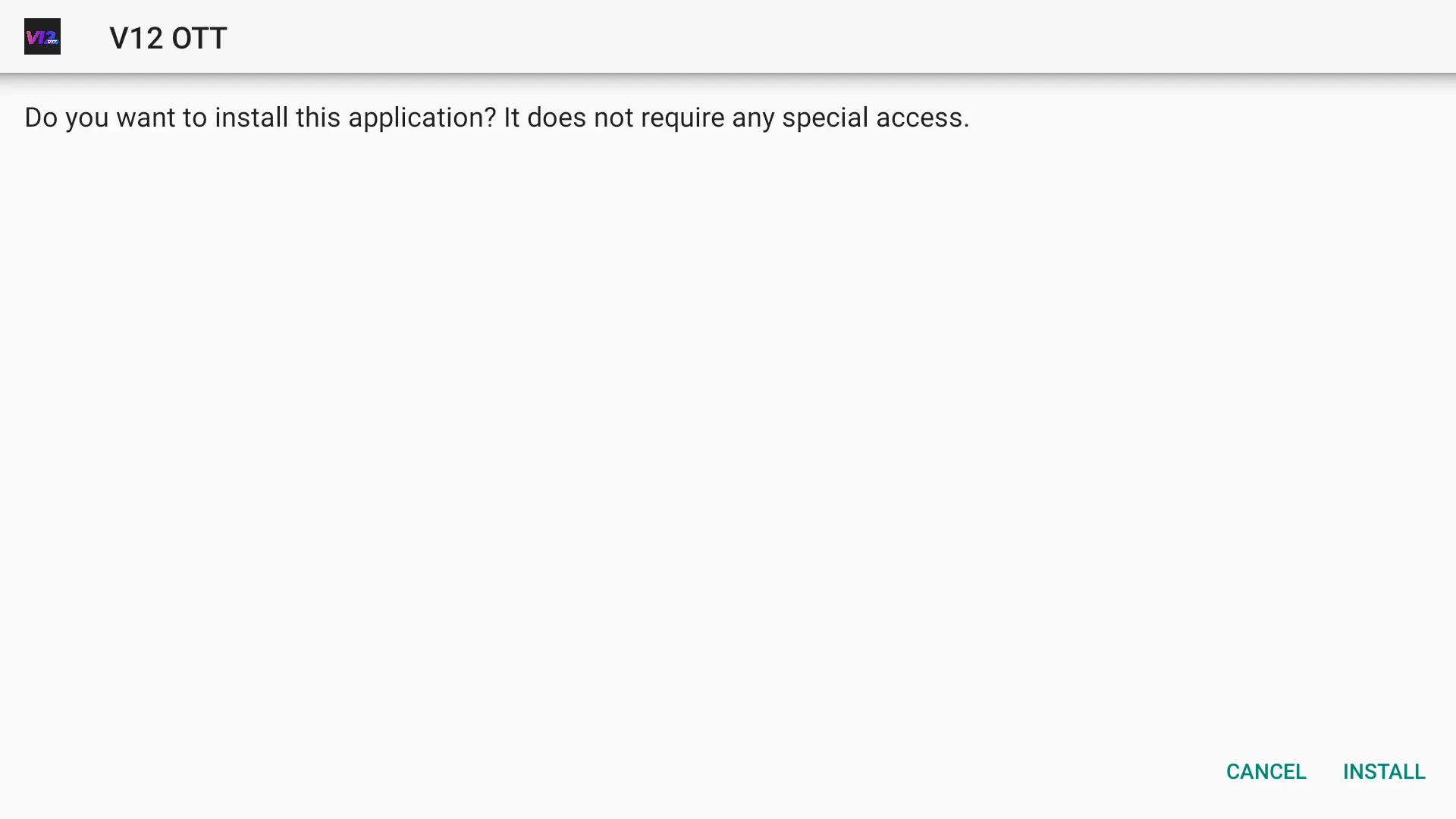
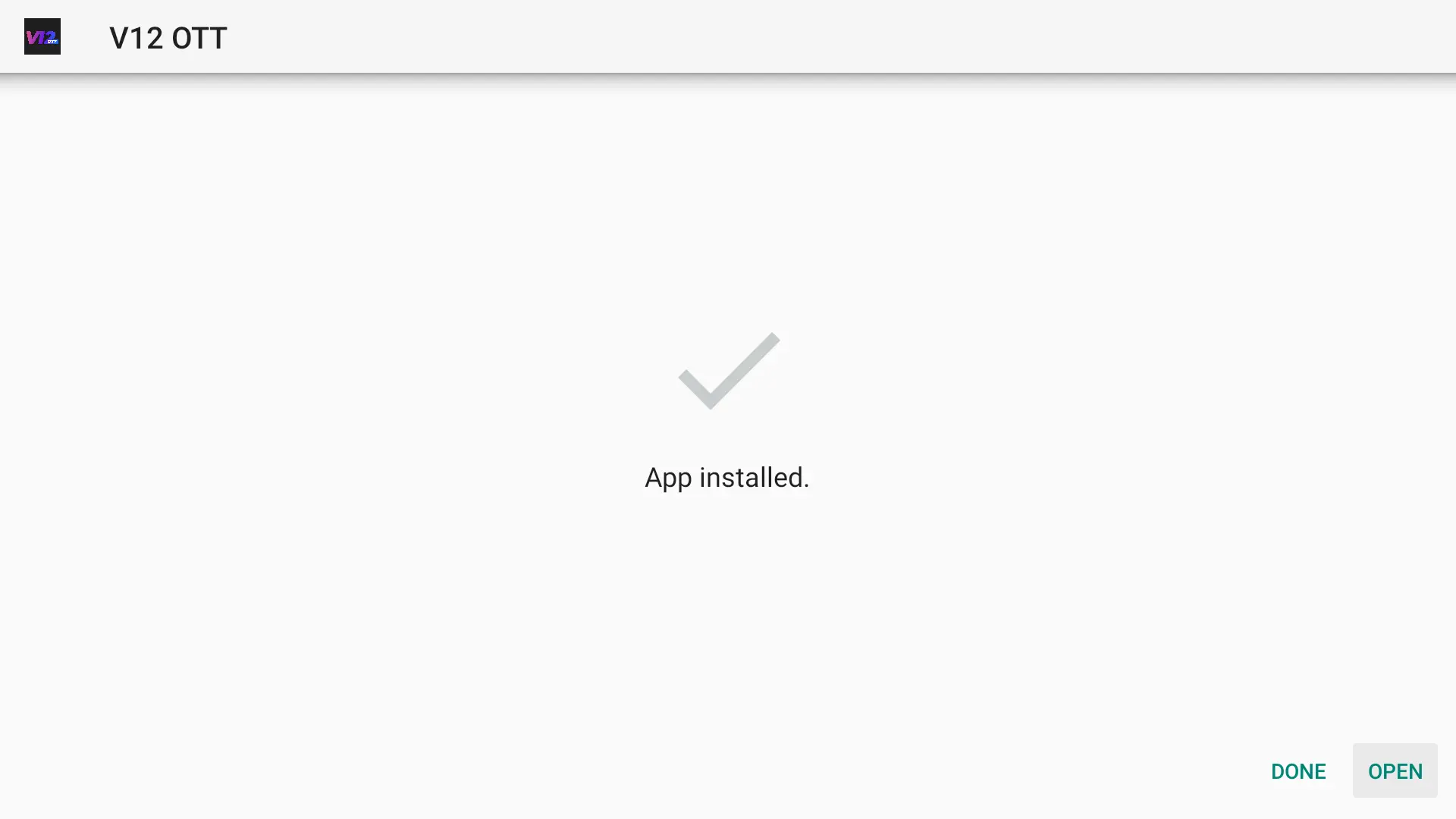
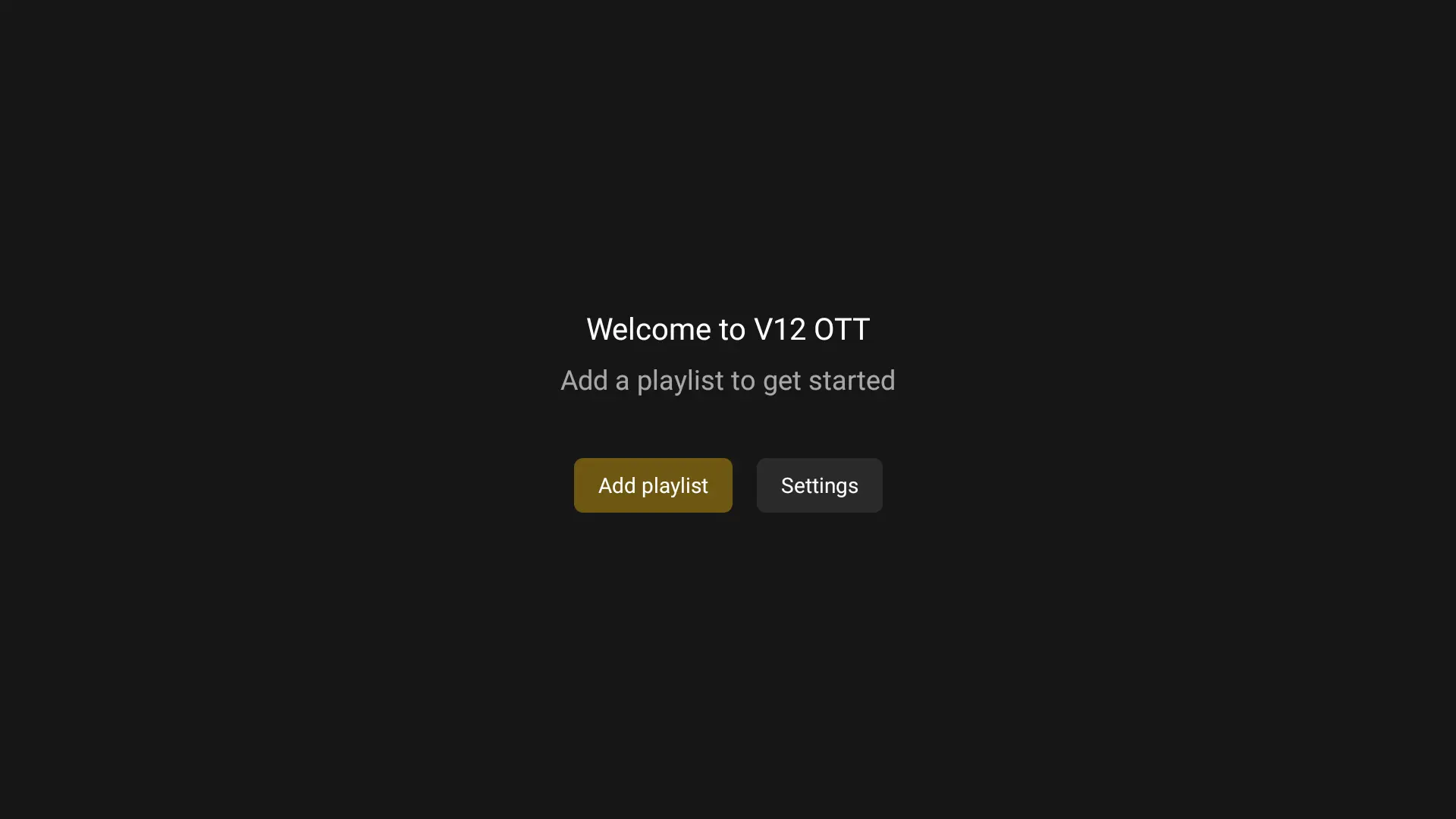
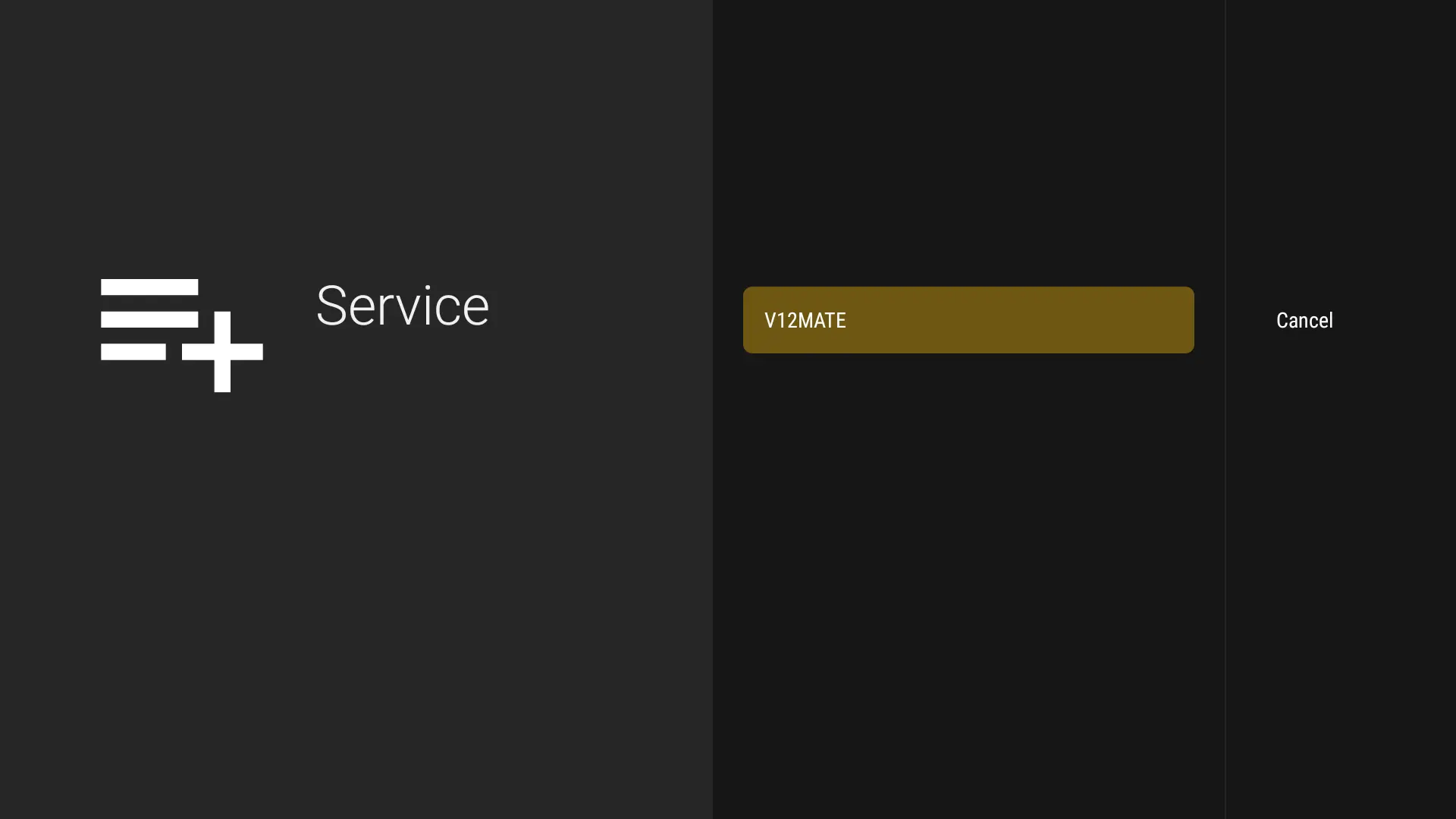
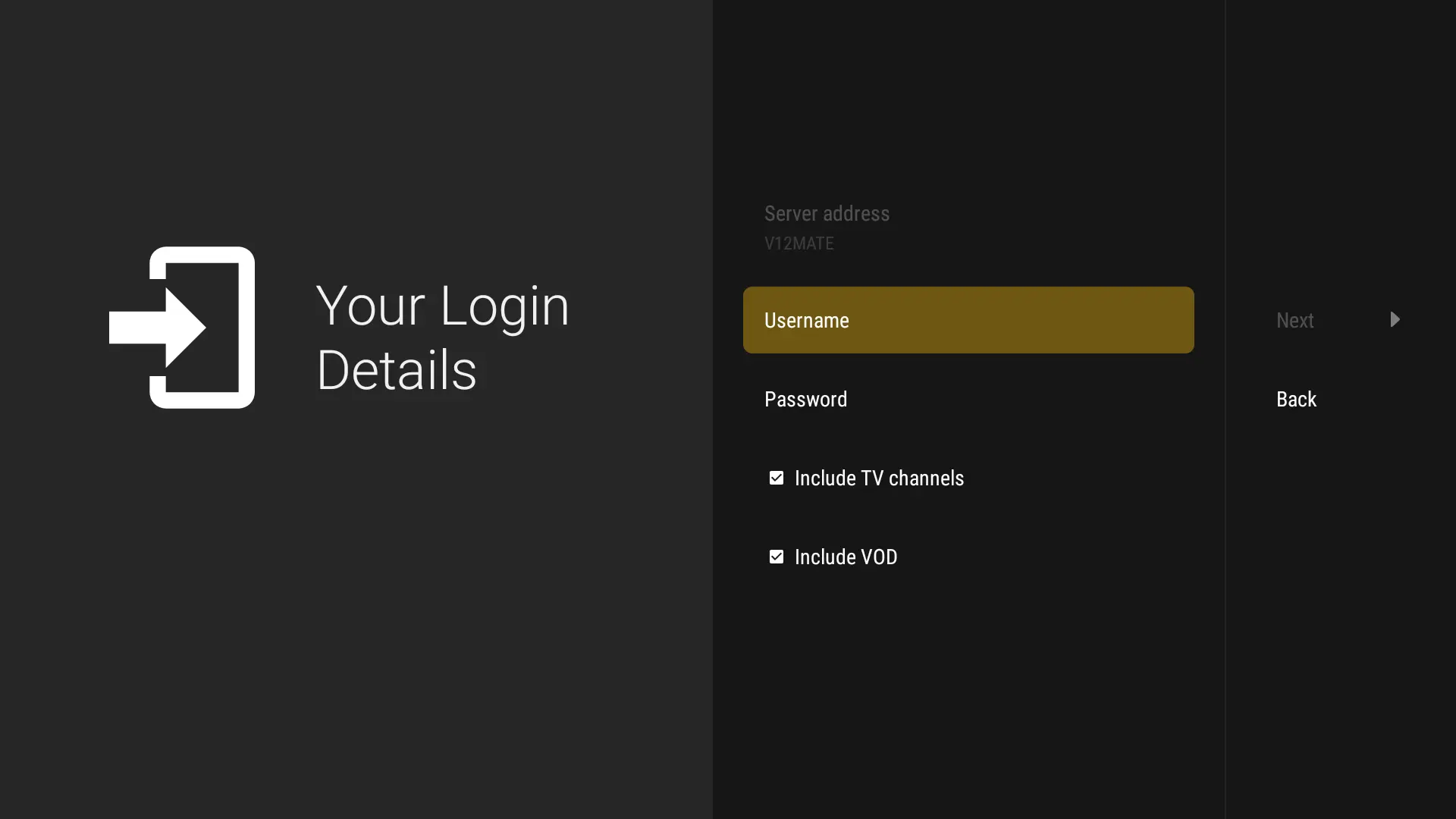
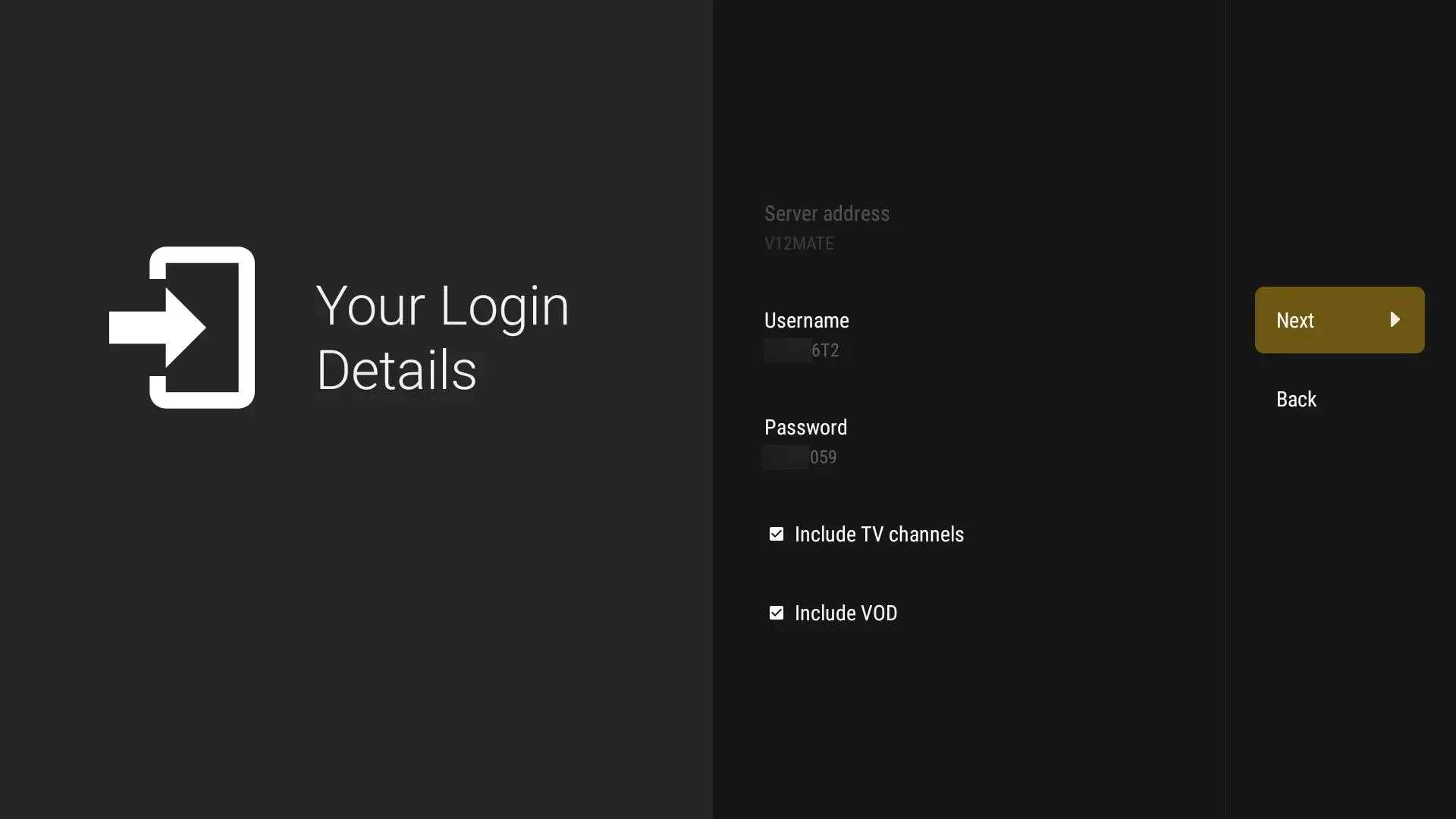
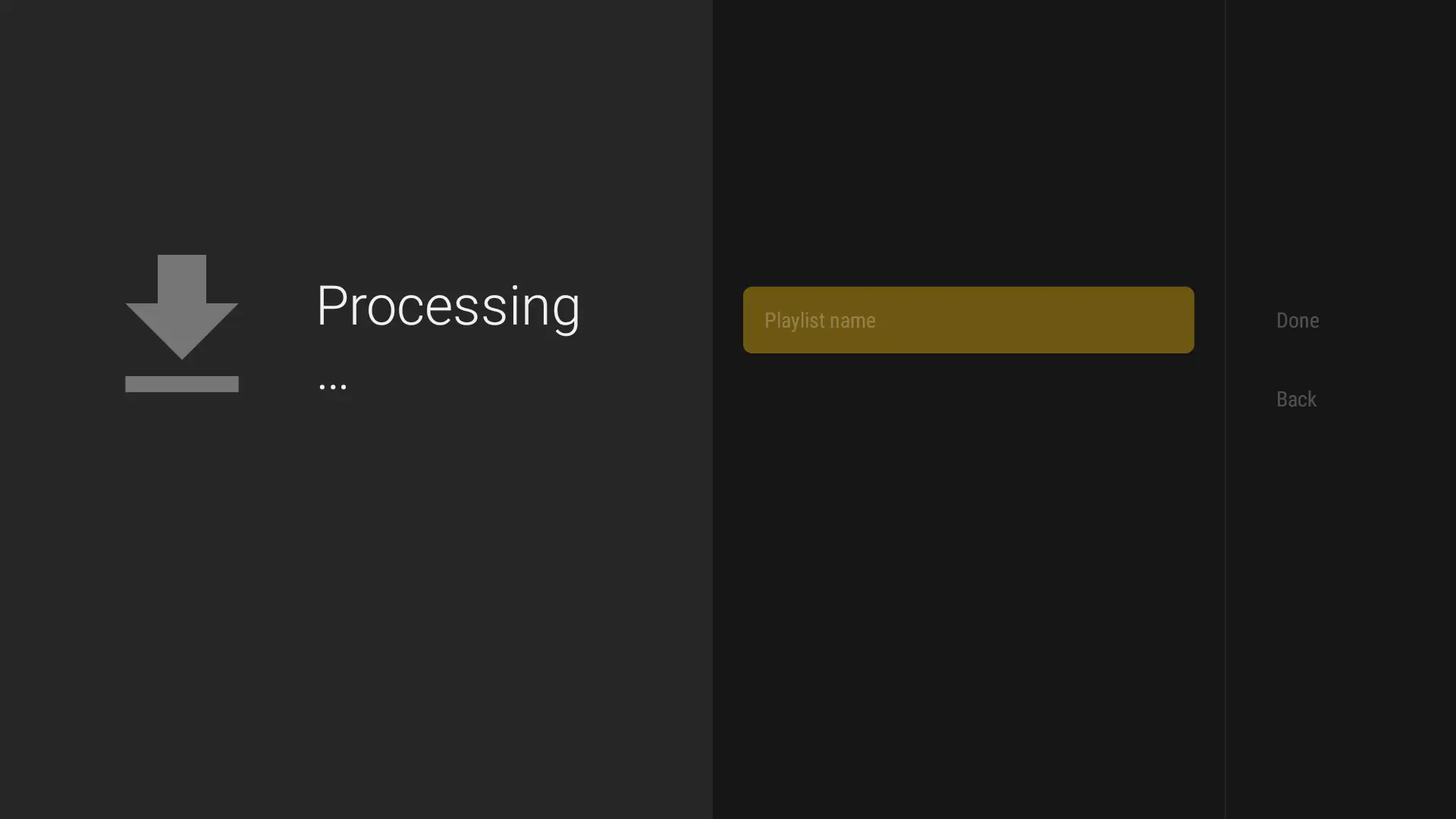
ℹ️ If no channels load, go to Settings → Playlists → V12Mate → Xtream Codes Parameters to re-enter your login details. EPG data loads in the background — check it under Settings → EPG.
Android TV / Box Setup Guide
Compatible with: Sony, TCL, Hisense, Philips, Nvidia Shield, Chromecast with Google TV, Mi Box, and most Android TV boxes.
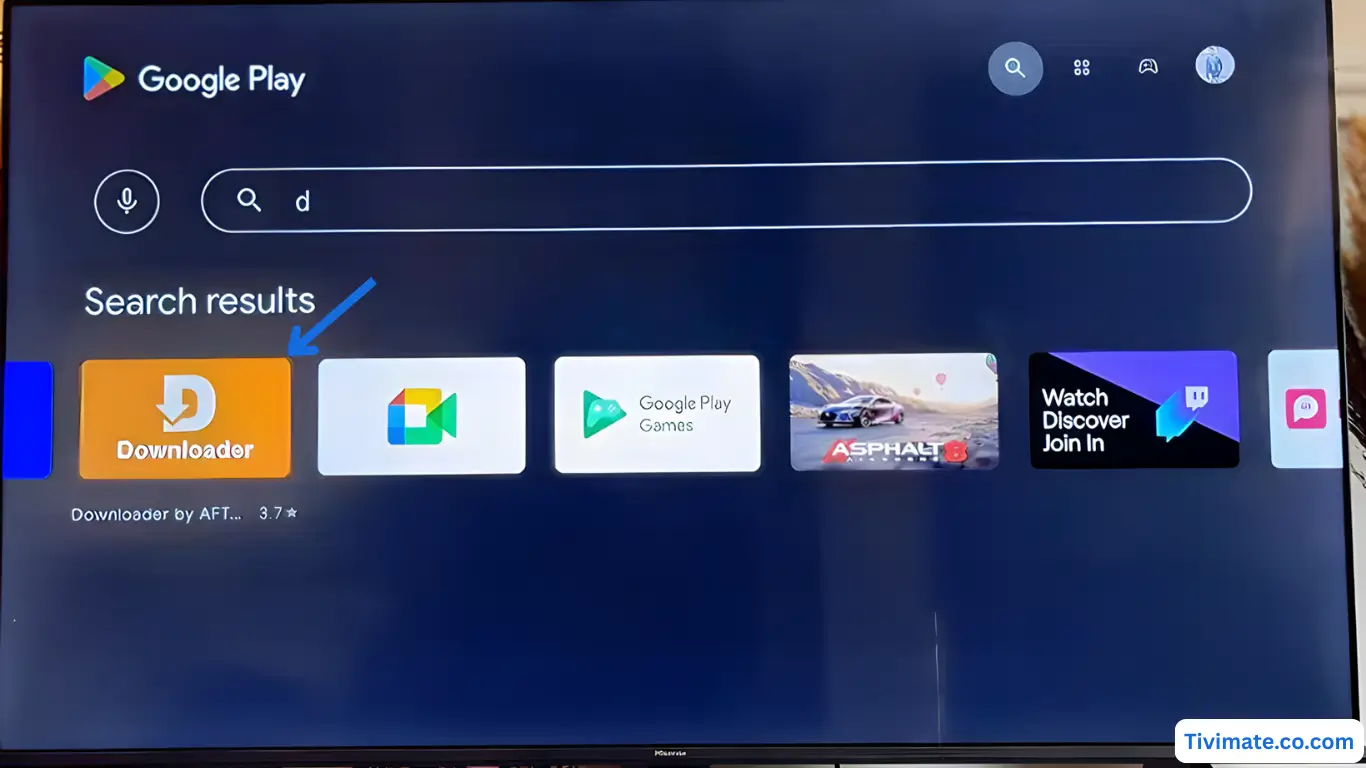
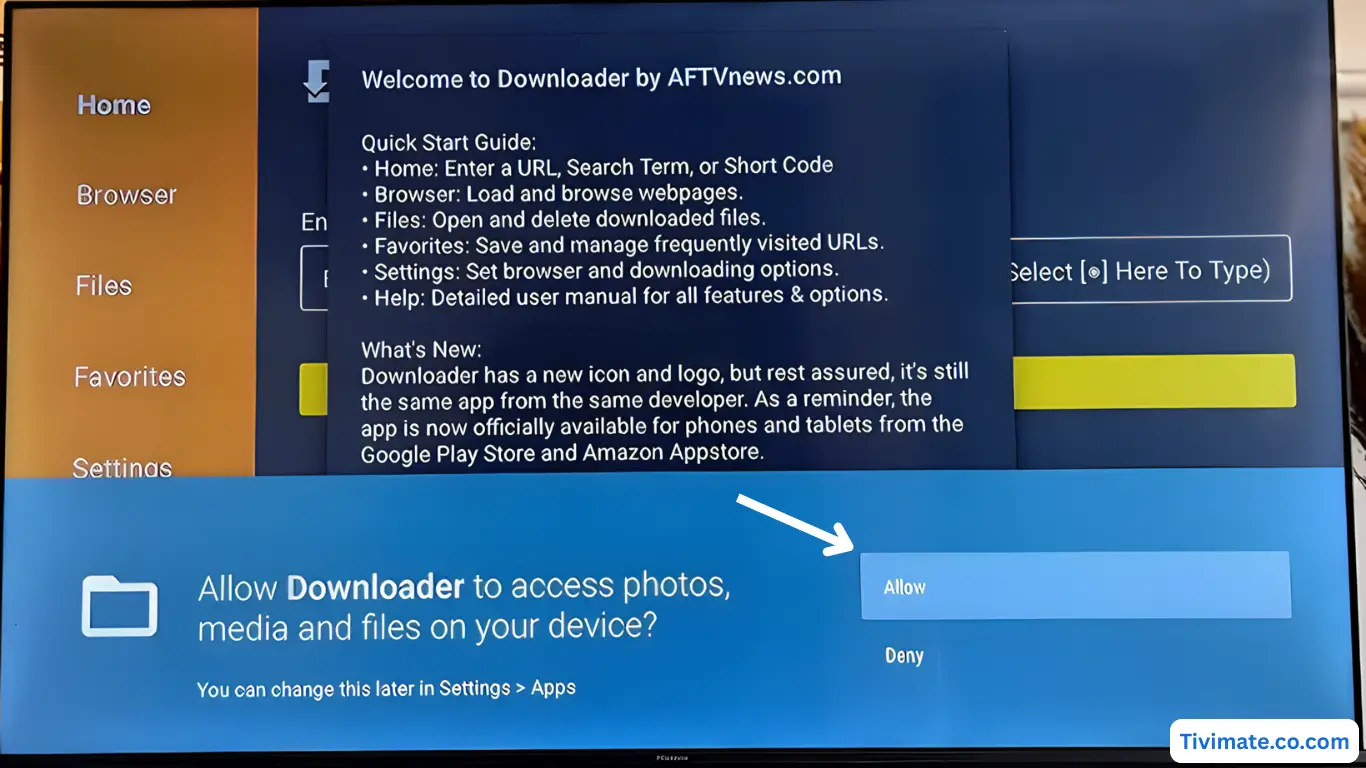
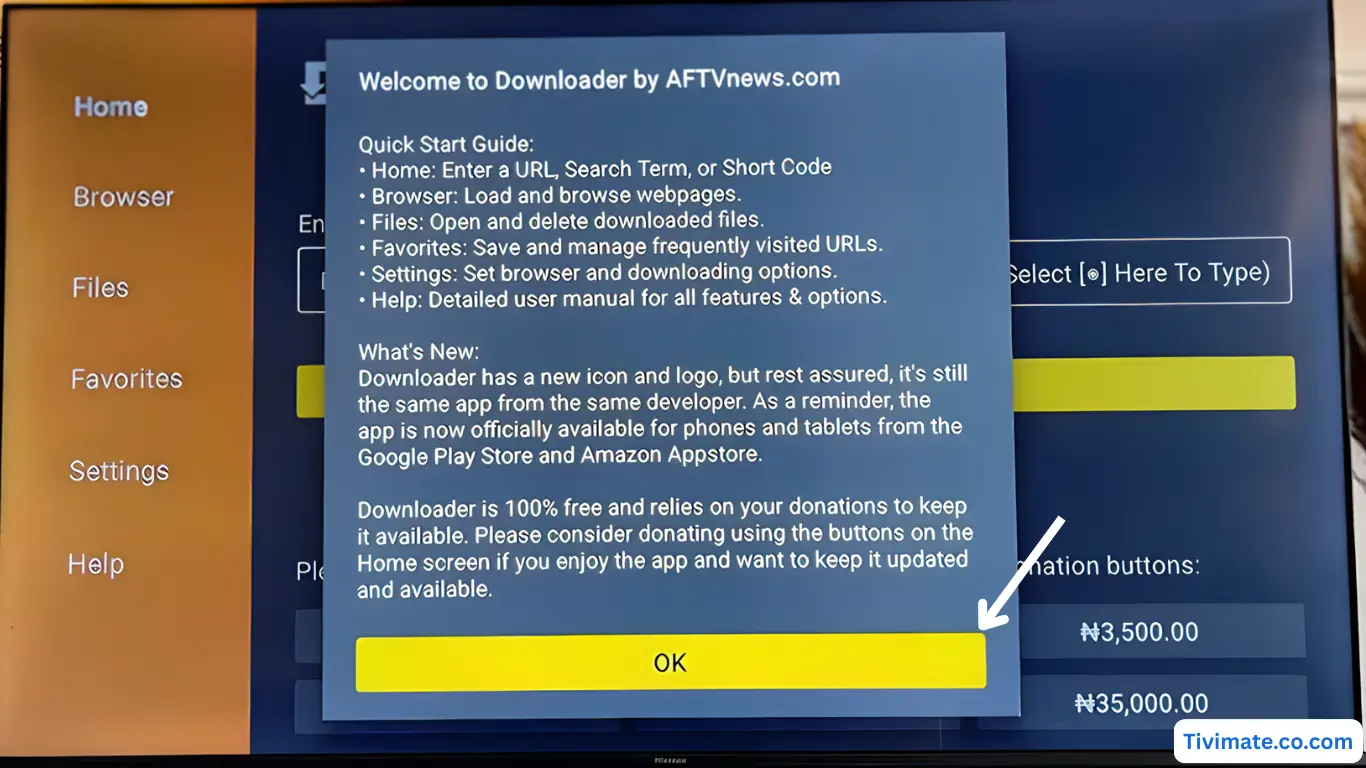
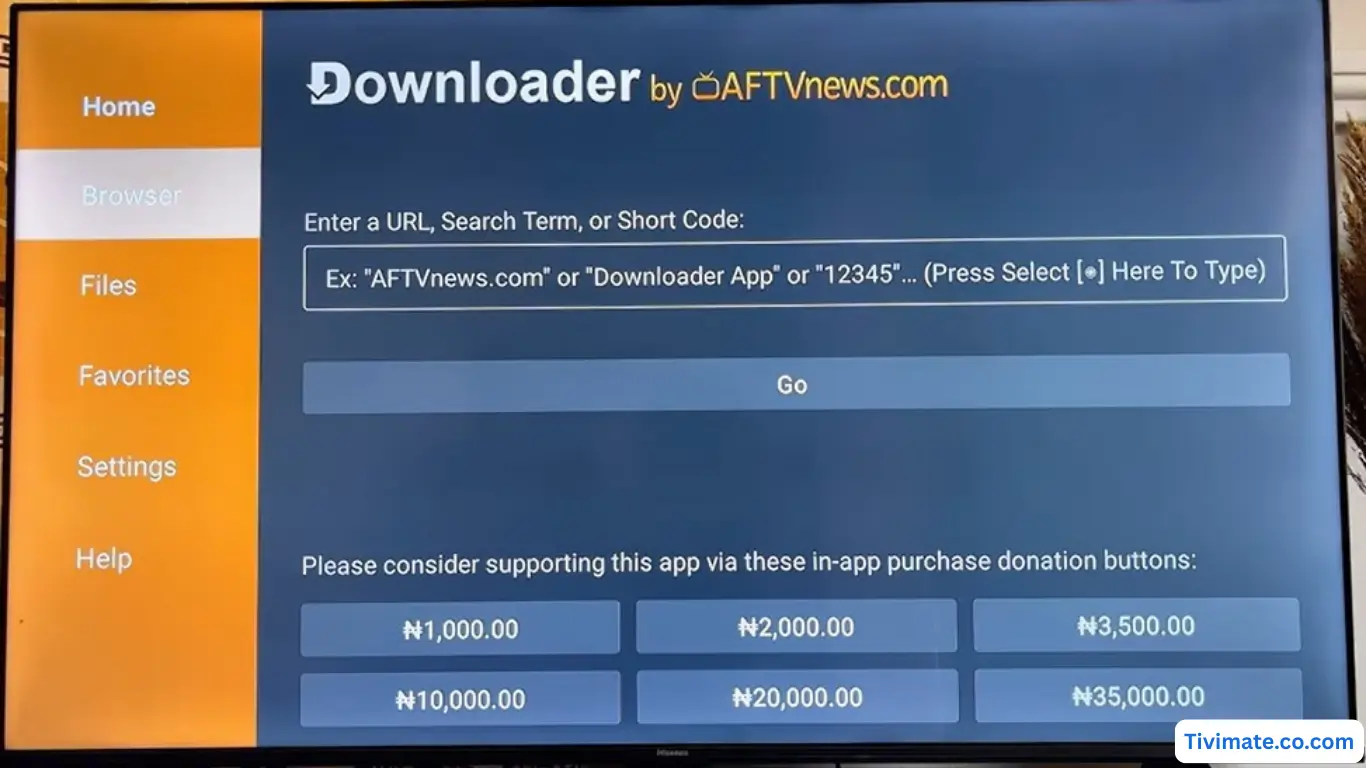
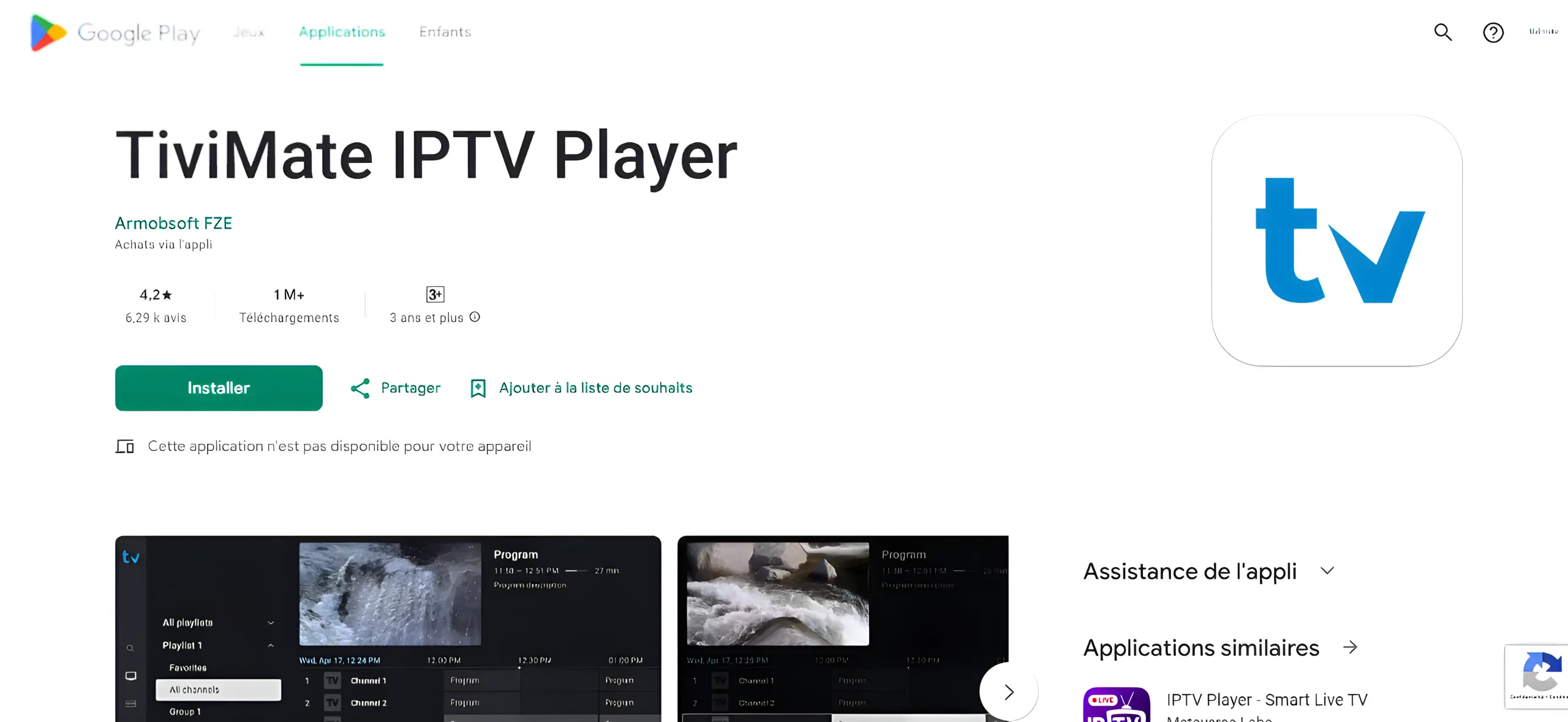
Note: VOD on TiviMate only works with their Premium plan. Our subscription already includes VOD built in.
🍎
iPhone & iPad Setup Guide
ℹ️ These are third-party apps and are NOT owned, sold, or managed by us. Some may require purchasing their own license to unlock all features. This guide is provided to help you connect your subscription.
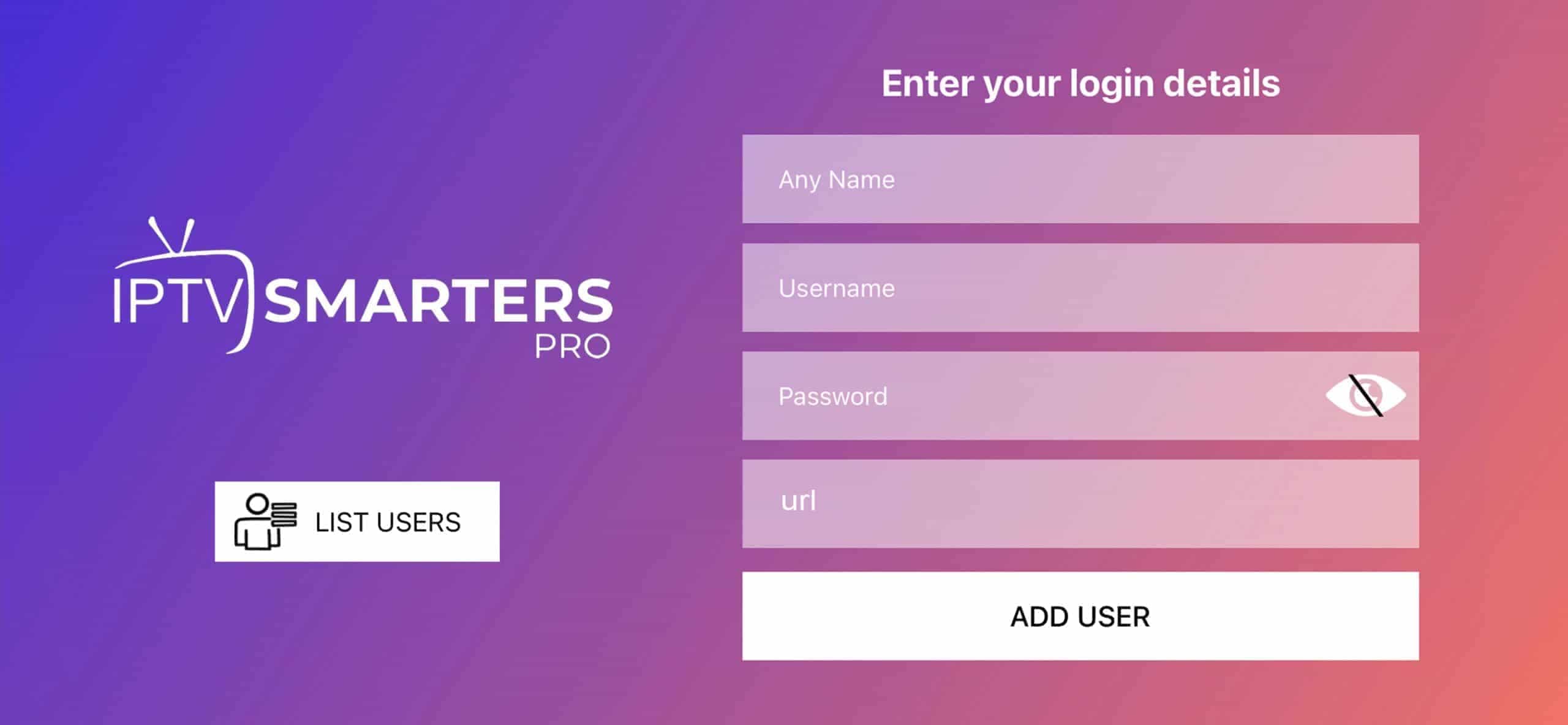
Download iMPlayer from the App Store: Download Link

• Playlist Name: Any name
• Portal URL: Server URL from your welcome email
• Username & Password: From your welcome email
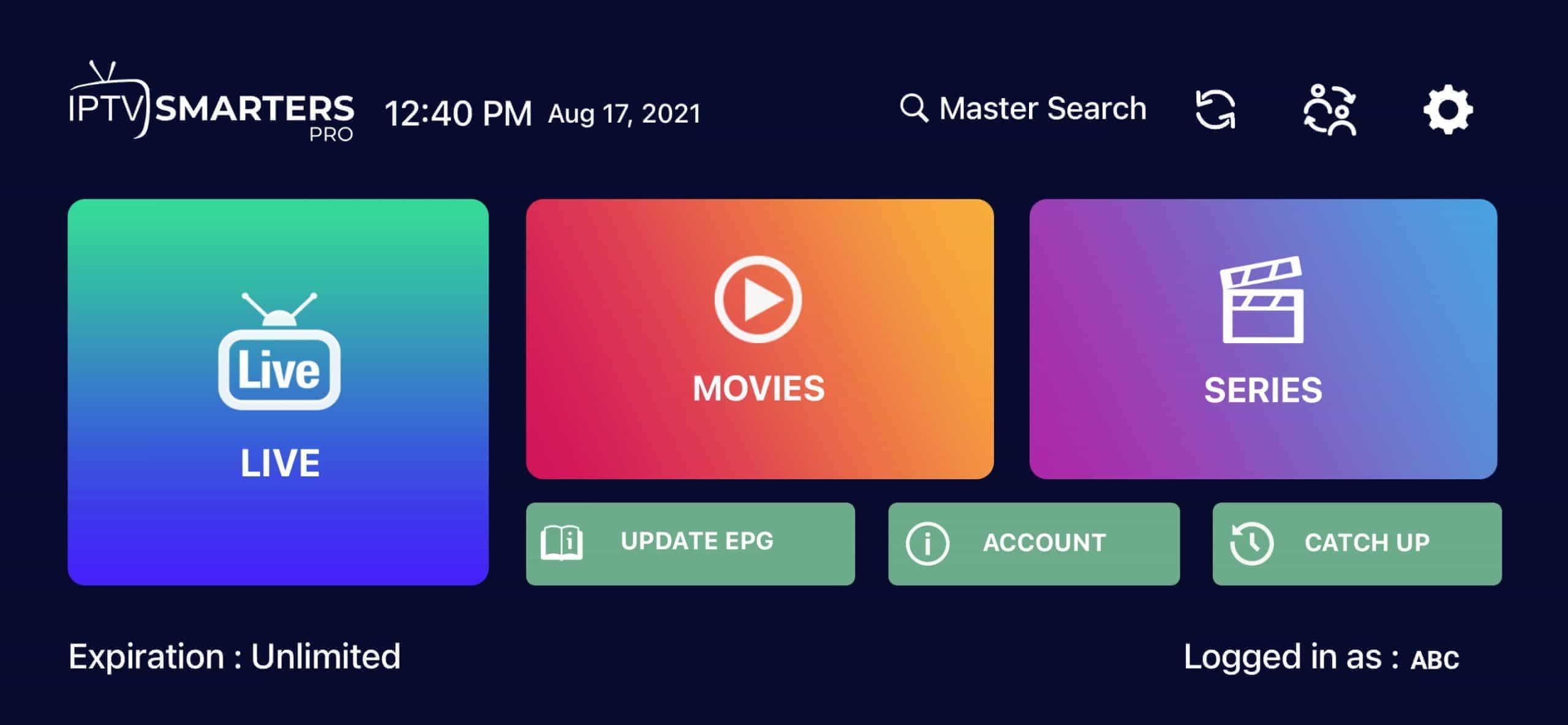
Download Smarters from the App Store: Download Link
💡 Tip: For best performance on iOS, ensure you are connected to a stable WiFi network. Cellular data may cause buffering on HD/4K streams.

Windows & Mac Setup Guide
 Time Required:5 minutes
 Player:Desktop App
 Difficulty:Full HD support

Available from the Microsoft Store.
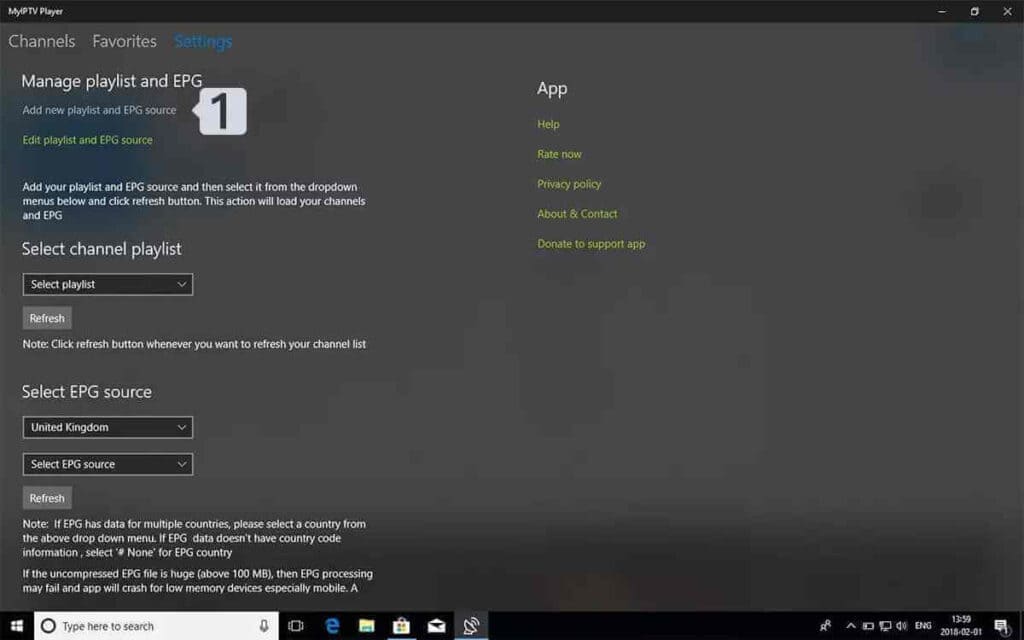
• Name: Any label (e.g. “My IPTV”)
• URL: Your M3U link from your welcome email
Click Add remote list.
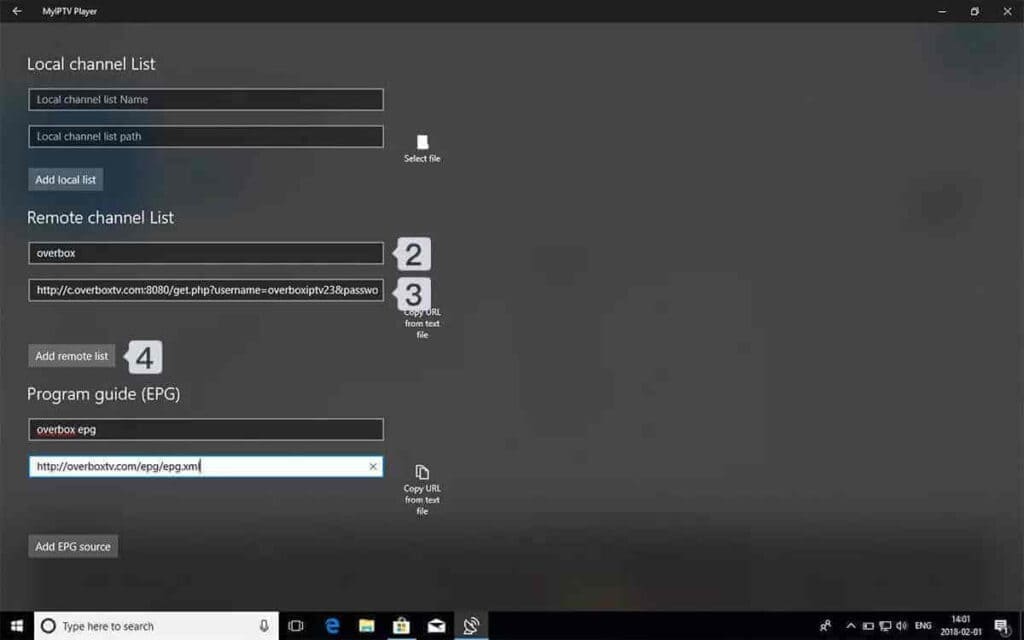
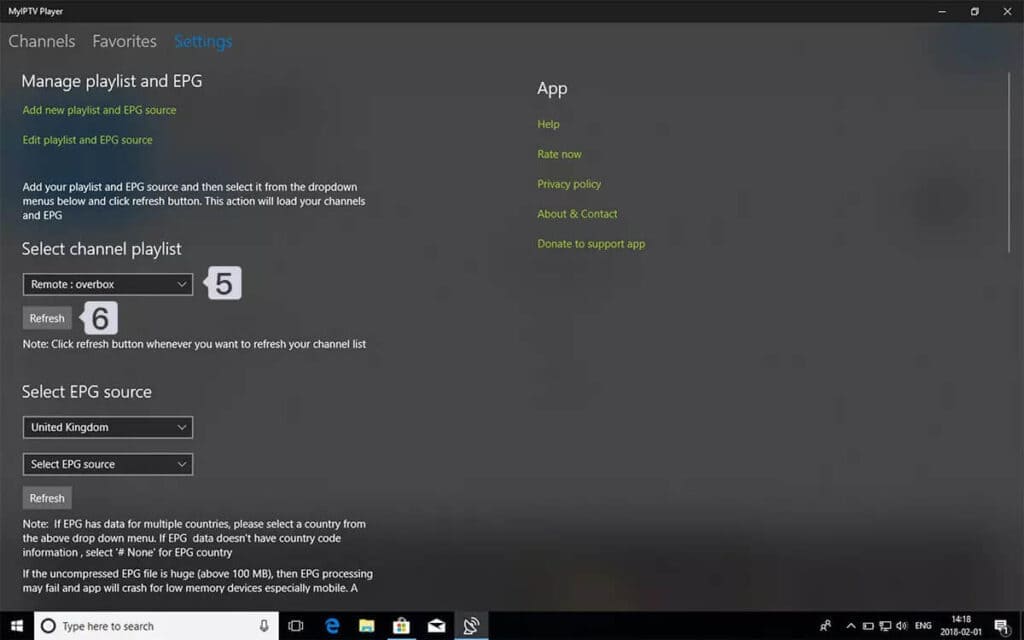

 Tip: For best performance on PC or Mac, use a wired Ethernet connection when possible. WiFi may cause buffering during HD or 4K streams.
 Which app works best on Windows or Mac? Can I use VLC Player for IPTV? What are the system requirements? Can I record shows on PC or Mac?
📱
Android Phone & Tablet Setup Guide
Requirements: Android 5.0 or higher, stable WiFi or 4G/5G connection.
ℹ️ These are third-party apps and are NOT owned, sold, or managed by us. Some may require purchasing their own premium license. This guide helps you connect your subscription.
Download from Google Play Store.
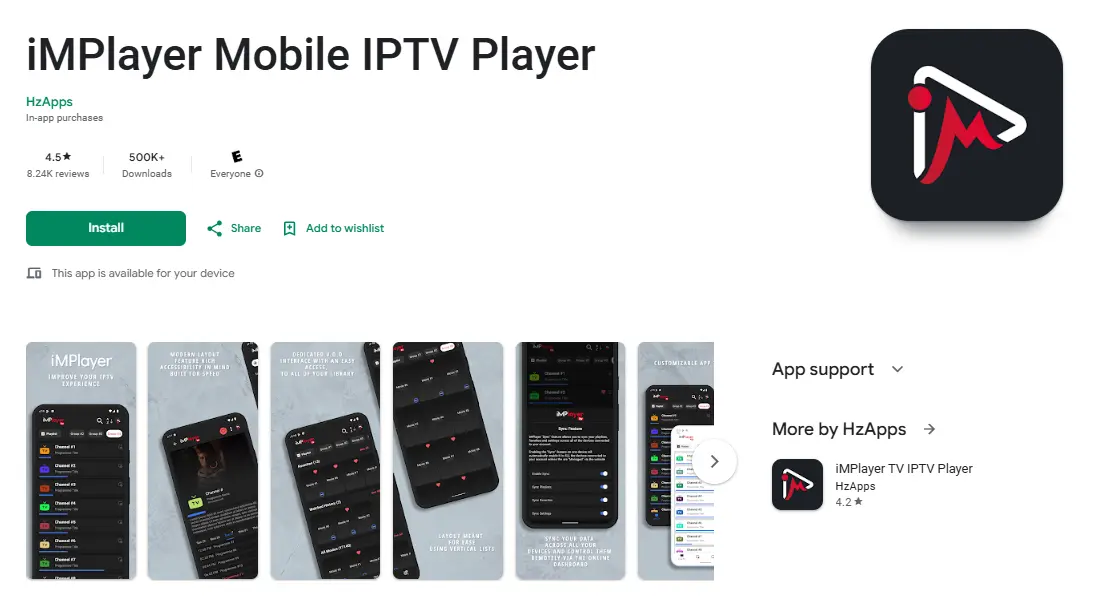
• Playlist Name: Any name
• Portal URL: Server URL from welcome email
• Username & Password: From welcome email
Note: VOD on TiviMate only works with their Premium. Our subscription already includes VOD built in.
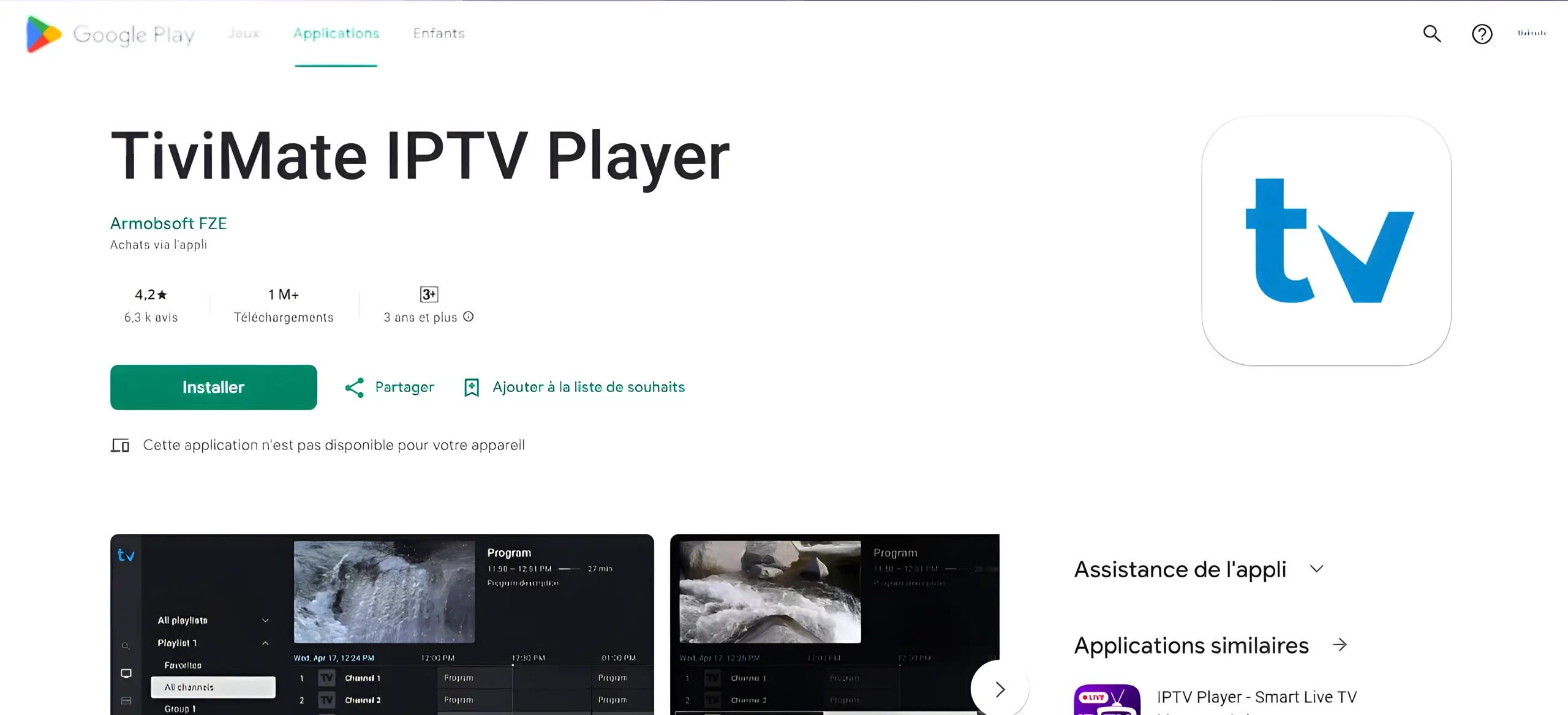
• Server URL
• Username
• Password
Tap Next.
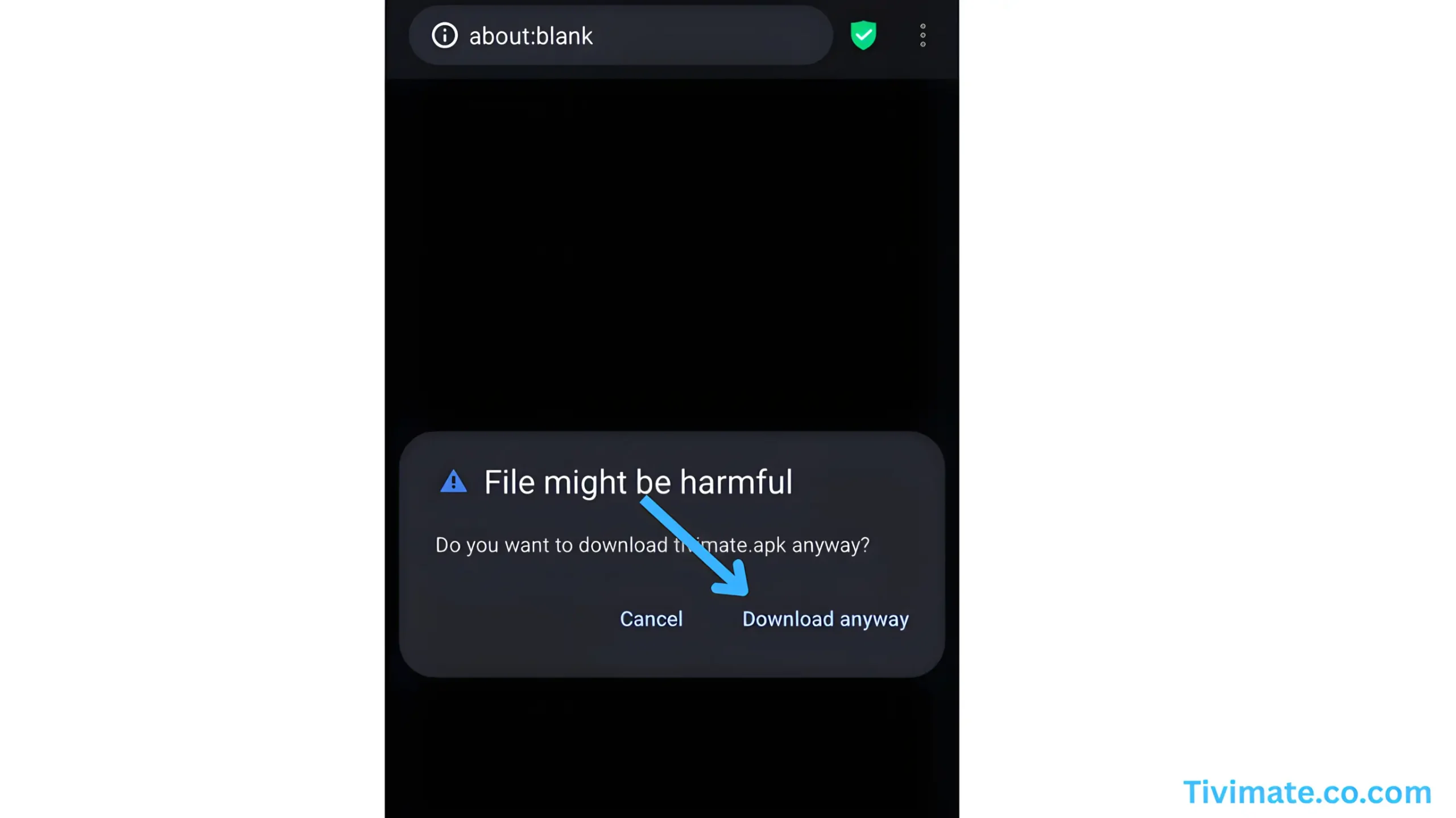
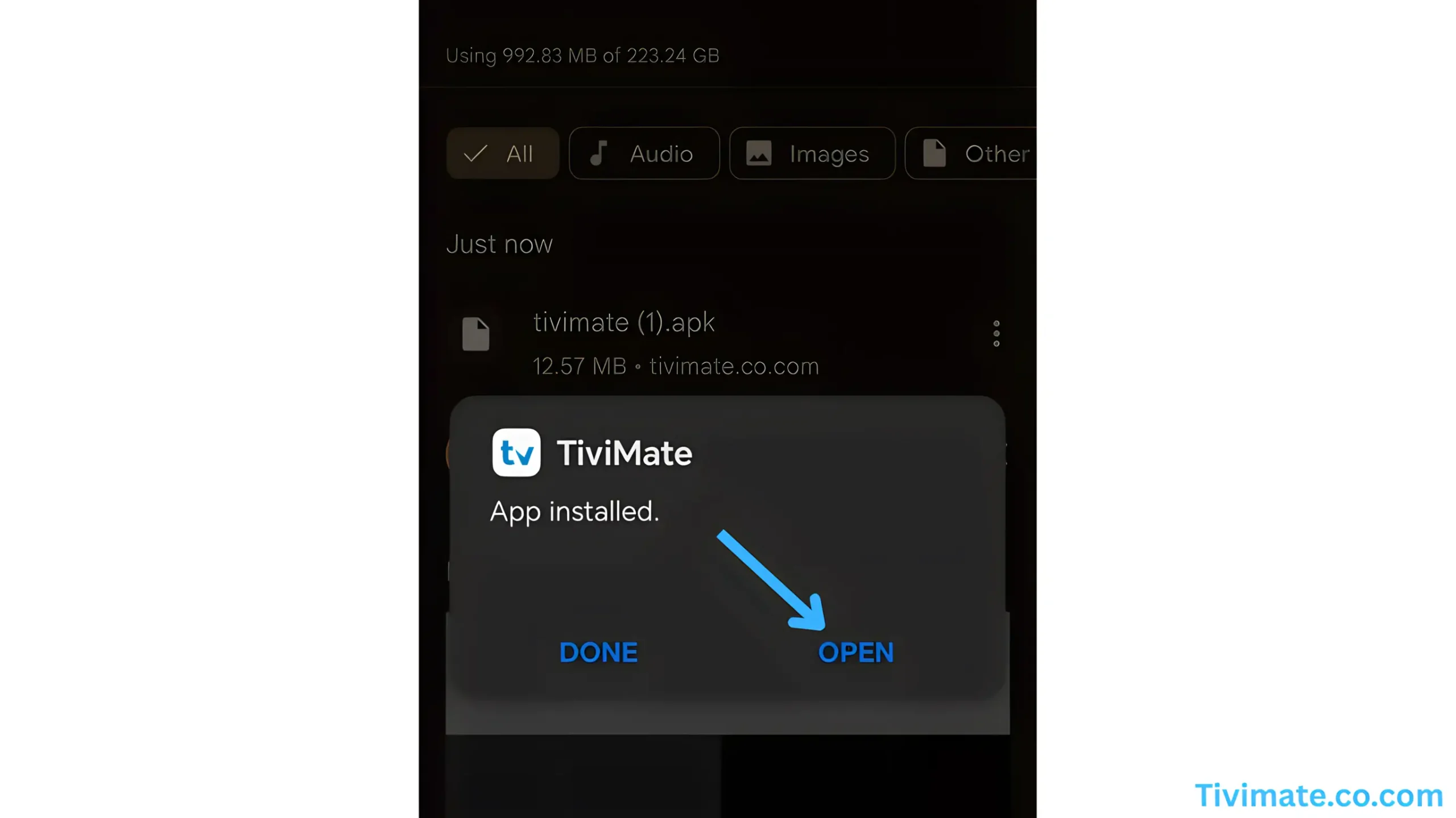
💡 Tip: Use WiFi when possible. Streaming uses approximately 1 GB per hour at standard quality and 3 GB per hour at HD quality.
🟣
Roku Device Setup Guide
Compatible with: All Roku devices including Roku TV, Roku Ultra, Roku Streaming Stick, and Roku Express.
ℹ️ Hot Player is a third-party app and is NOT owned or managed by us. It may require purchasing their own license after the free trial.
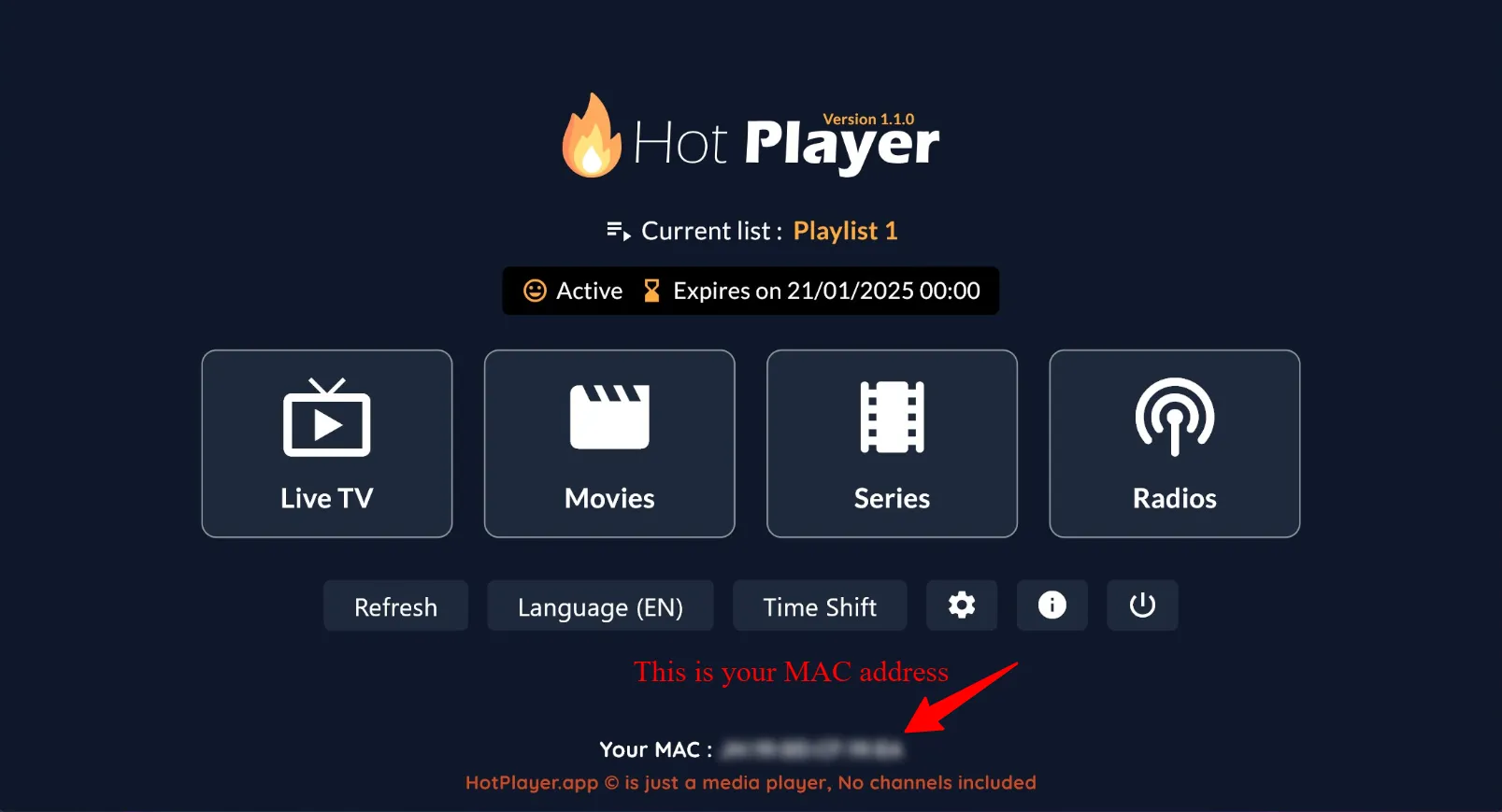
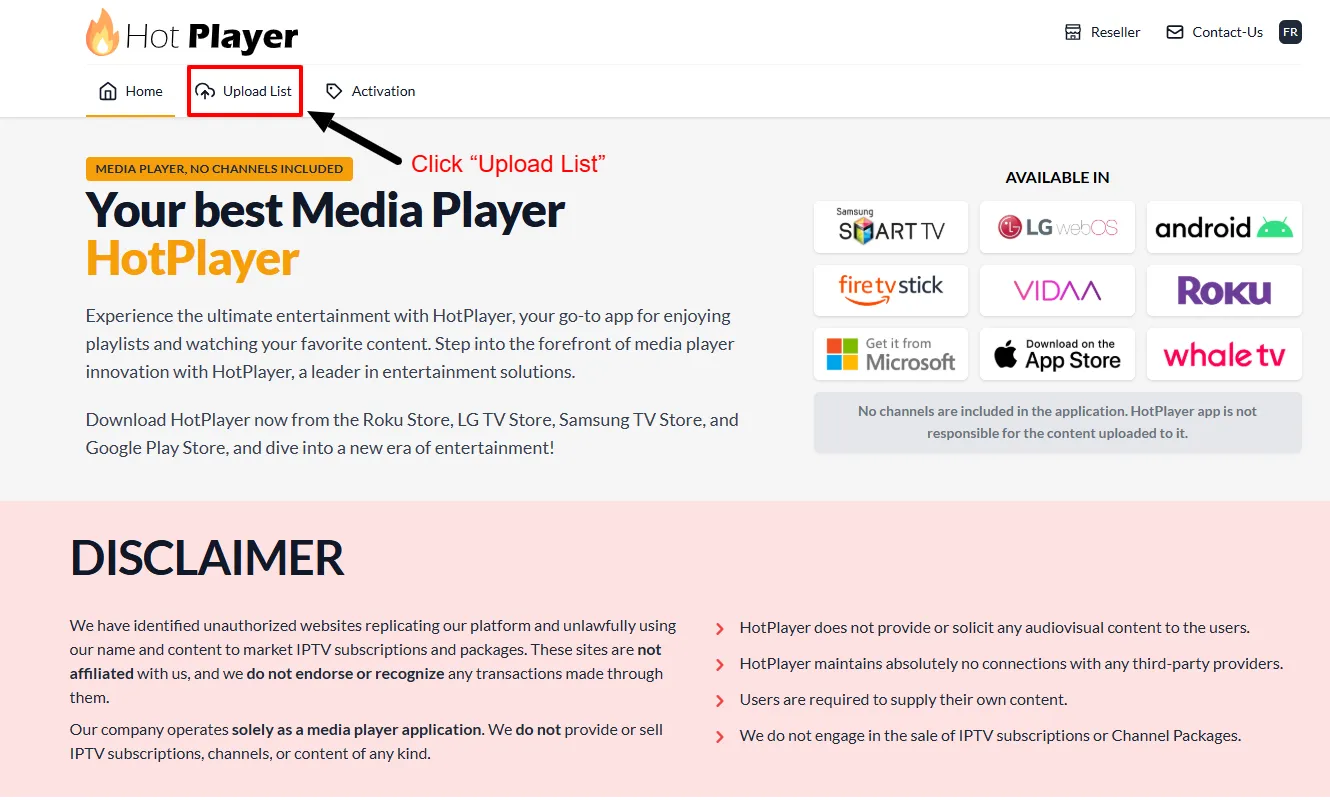
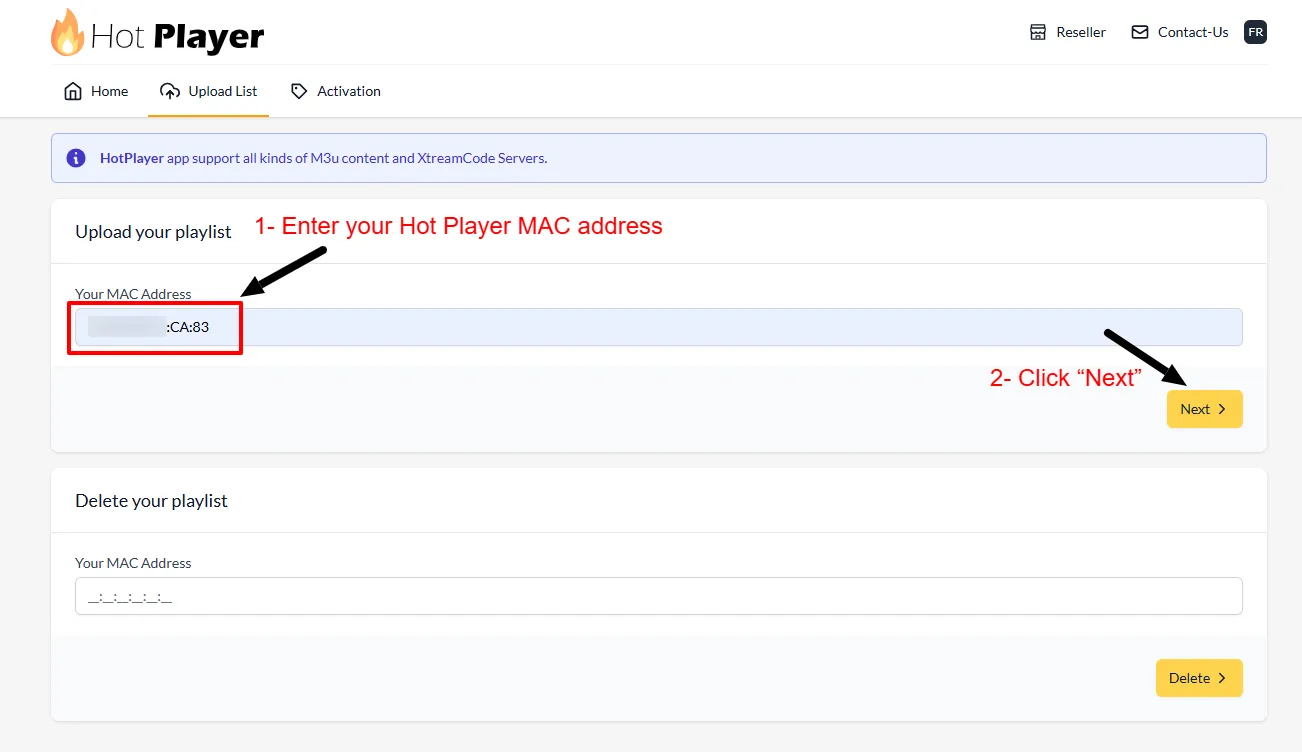
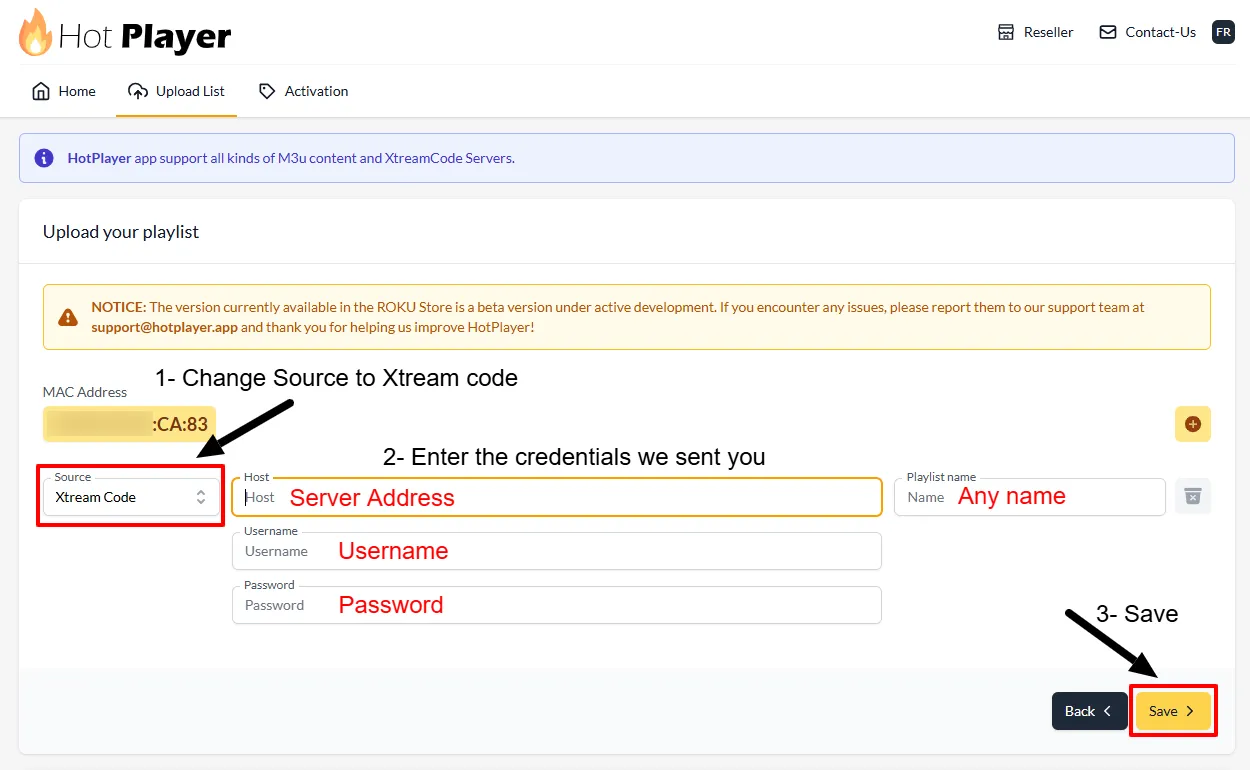
• Playlist Name: Any name
• Host: Server Address from welcome email
• Username & Password: Your credentials
Click Save.
💡 Tip: For best streaming quality on Roku, ensure at least 25 Mbps for HD content and 50+ Mbps for 4K content.
📻
Smart TV Setup Guide — All Brands
Compatible with: LG WebOS, Samsung Tizen, Sony, TCL, Hisense, Vizio, and other major Smart TV brands.
⚠️ If your Smart TV has the Google Play Store, please follow the Android TV guide above instead of this one.
ℹ️ Hot Player is a third-party app and is NOT owned or managed by us. It may require purchasing their own license after the trial period.
• Playlist Name: Any name
• Host: Server Address from your welcome email
• Username & Password: Your credentials
Click Save.
💡 Tip: For best streaming quality on Smart TV, ensure at least 25 Mbps for HD content and 50+ Mbps for 4K.
BuzzTV Box Setup Guide
Compatible with: BuzzTV XPL 3000, XRS 4000, XRS 4500, E2000, and all BuzzTV Android boxes.
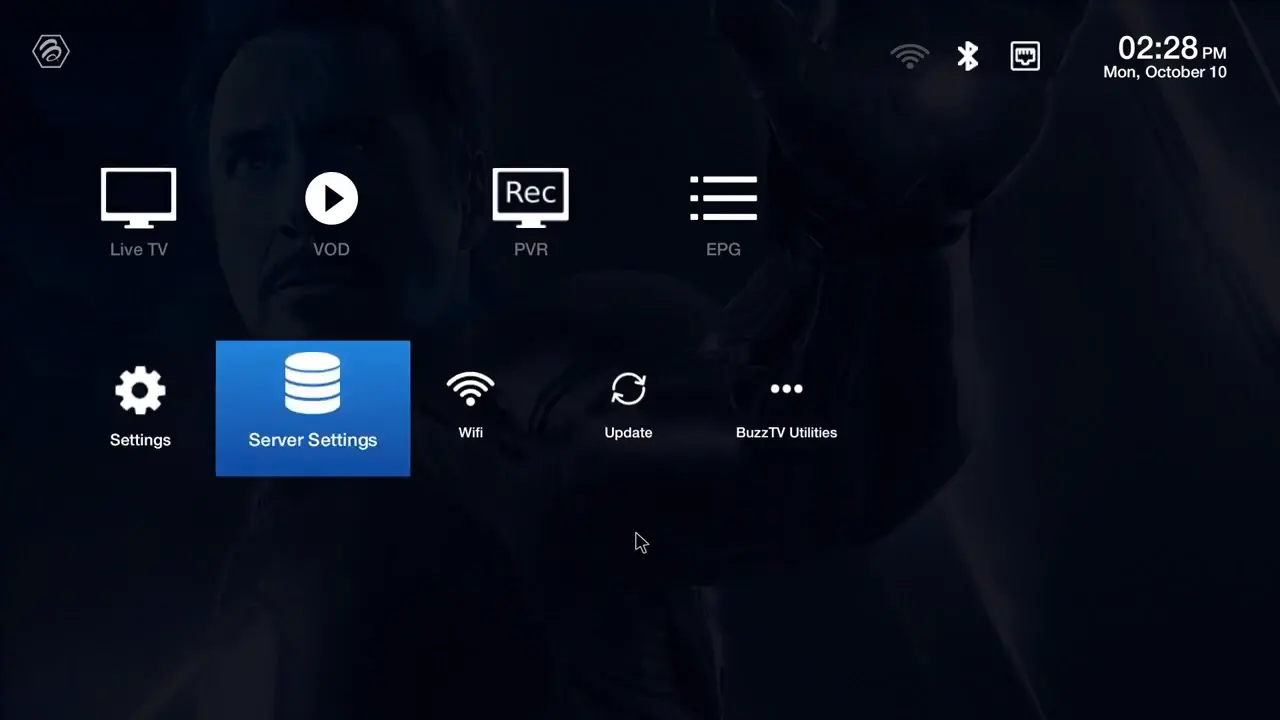
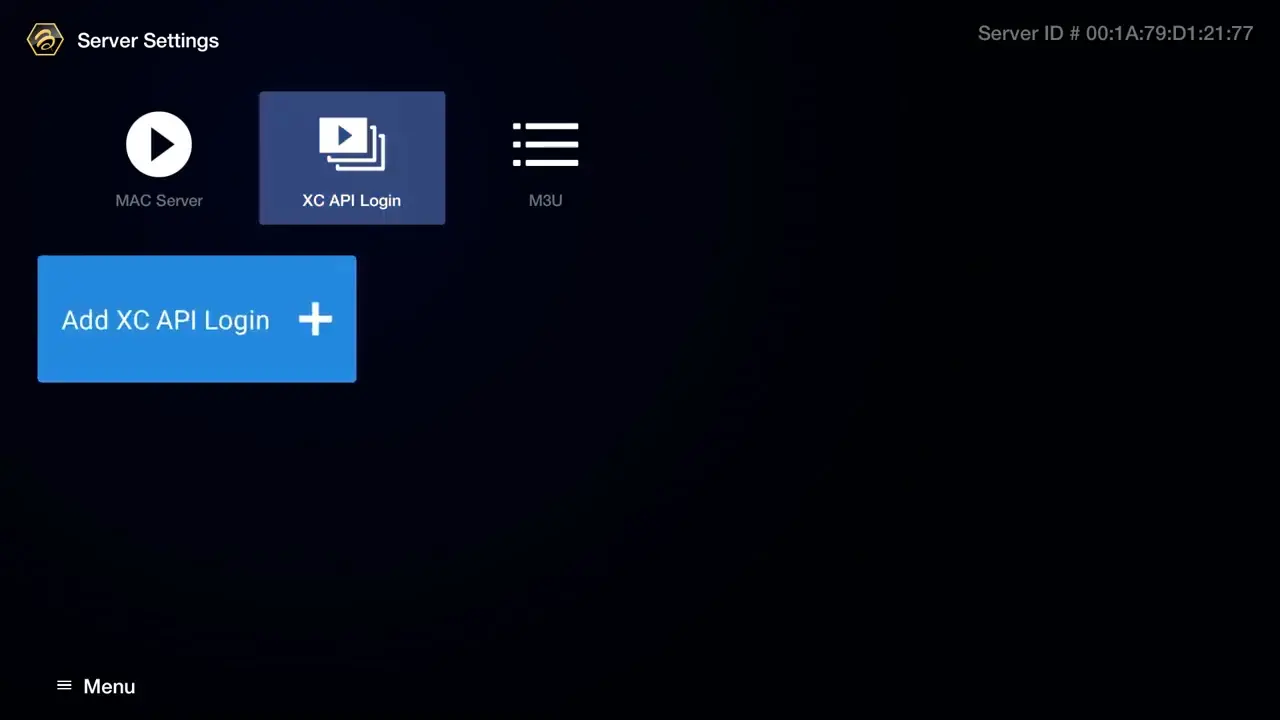
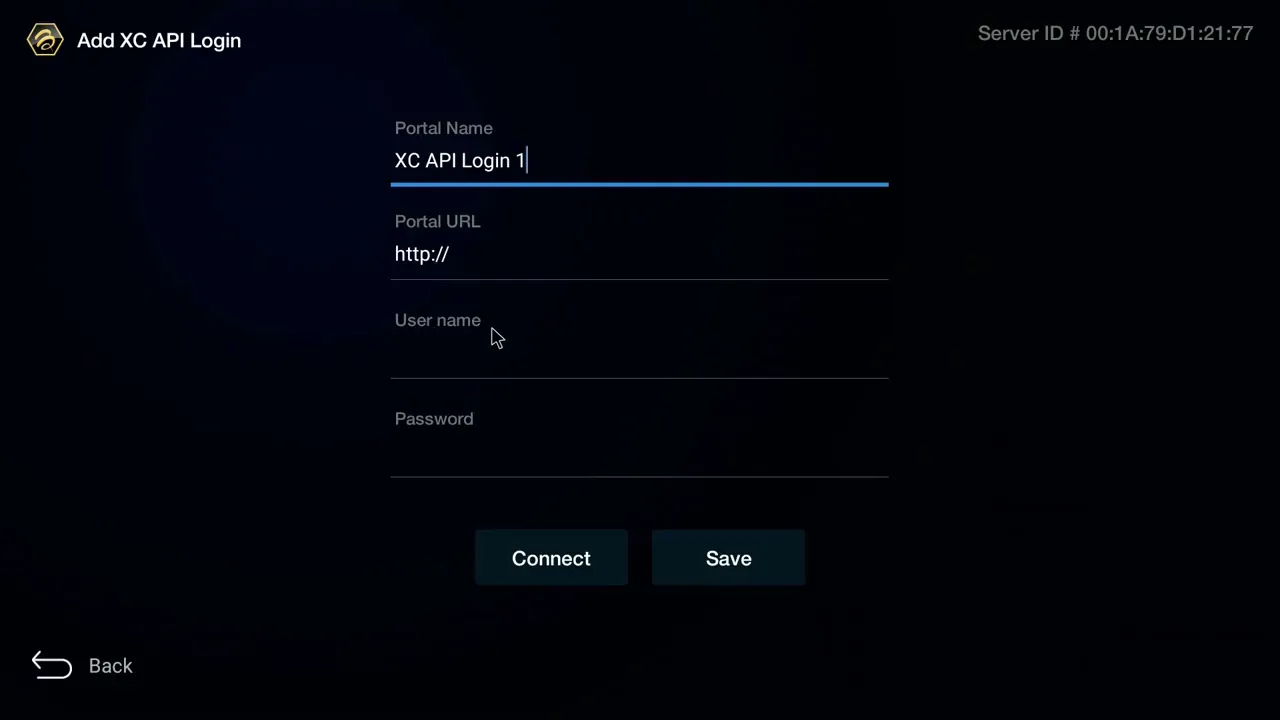
• Portal Name: Any name (e.g. “Best Canadian IPTV”)
• Portal URL: Server URL from welcome email
• Username: Your username
• Password: Your password
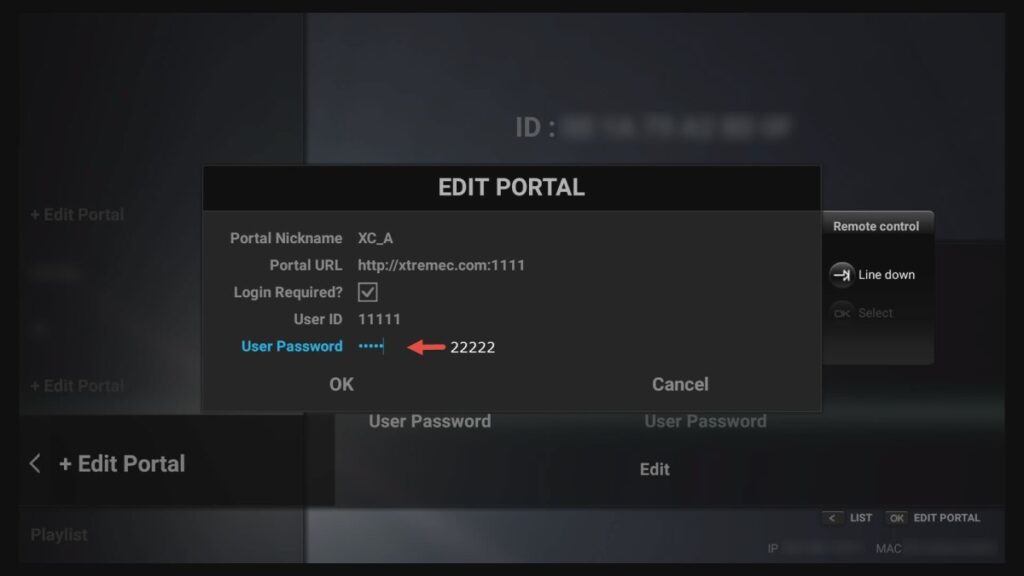
Formuler & Dreamlink Setup Guide
Compatible with: Formuler Z8, Z10, Z11, GTV, and all Formuler & Dreamlink Android TV boxes.
ℹ️ Unlike MAG boxes, Formuler and Dreamlink boxes do not require MAC address registration. You only need your Username and Password from your welcome email.
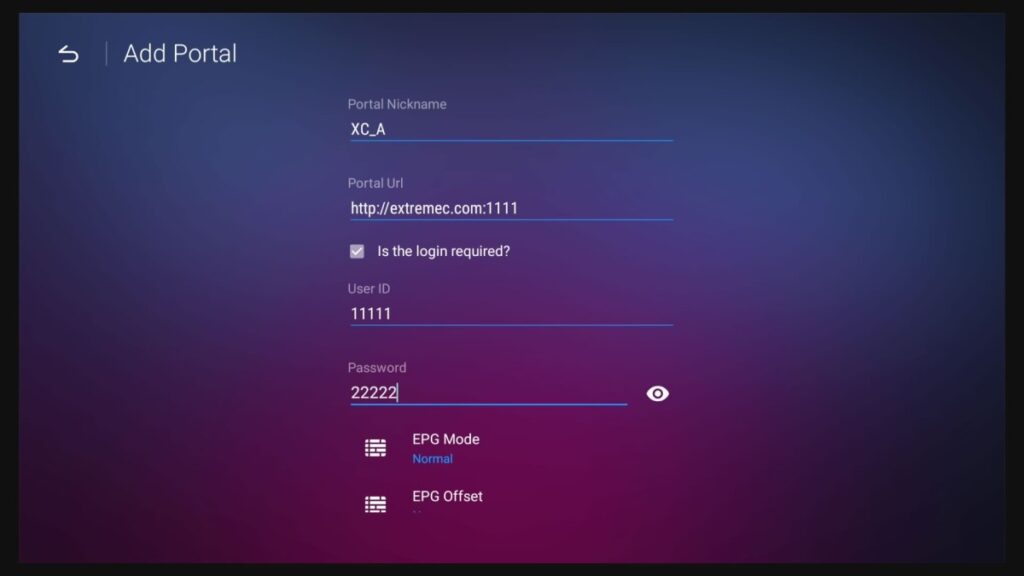
• Portal Name: Any name
• Portal URL: Server URL from welcome email
• Login Required: Enable this option
• Username & Password: Your credentials
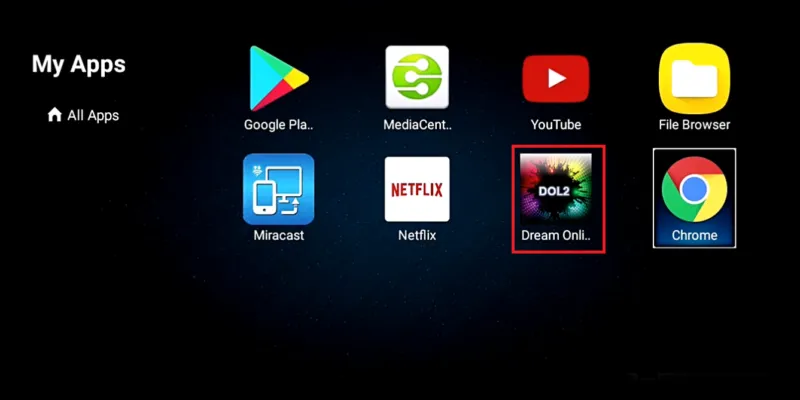
• Portal Title: Any name
• Portal URL: IPTV server URL
• Login Required: Yes
• Username & Password: Your credentials
Username: your_username
Password: your_password